Gaming Laptop Cooling: Balance Performance and Noise

Gaming laptop cooling should be evaluated through a sustained ordinary session in the environment where you will use the machine. Check supported fan and power modes, unobstructed ventilation, performance suitability, noise context, and practical service requirements. One peak temperature or short benchmark does not describe the complete experience.
This guide supplies an observation and buying method, not a universal temperature limit or an internal repair procedure. Keep official specifications separate from your own observations. Use exact model guidance for faults or concerning behavior, and do not assume another chassis’s disassembly instructions or an accessory will resolve an underlying problem.
Your decision checklist
- Define the workload and real operating environment.
- Preserve the documented ventilation path.
- Compare supported modes and sustained suitability.
- Use official diagnostics for concerning symptoms.
How do you evaluate gaming laptop cooling for your room?
Define the surface, session length, workload, power arrangement, and noise constraints before comparing candidates. A permanent desk and a shared travel workspace can create different requirements. Judge the supported setup against those conditions rather than one headline thermal figure.
For an illustrative shared room, a quieter supported mode may matter more than the highest performance setting. At a dedicated desk, a different balance can be acceptable. Do not assume that every buyer wants the same trade-off.
Keep the target workload alongside the environment. A brief document session does not reveal the cooling behavior of a game or a sustained creative task. Compare the condition you intend to use rather than the easiest condition to demonstrate.
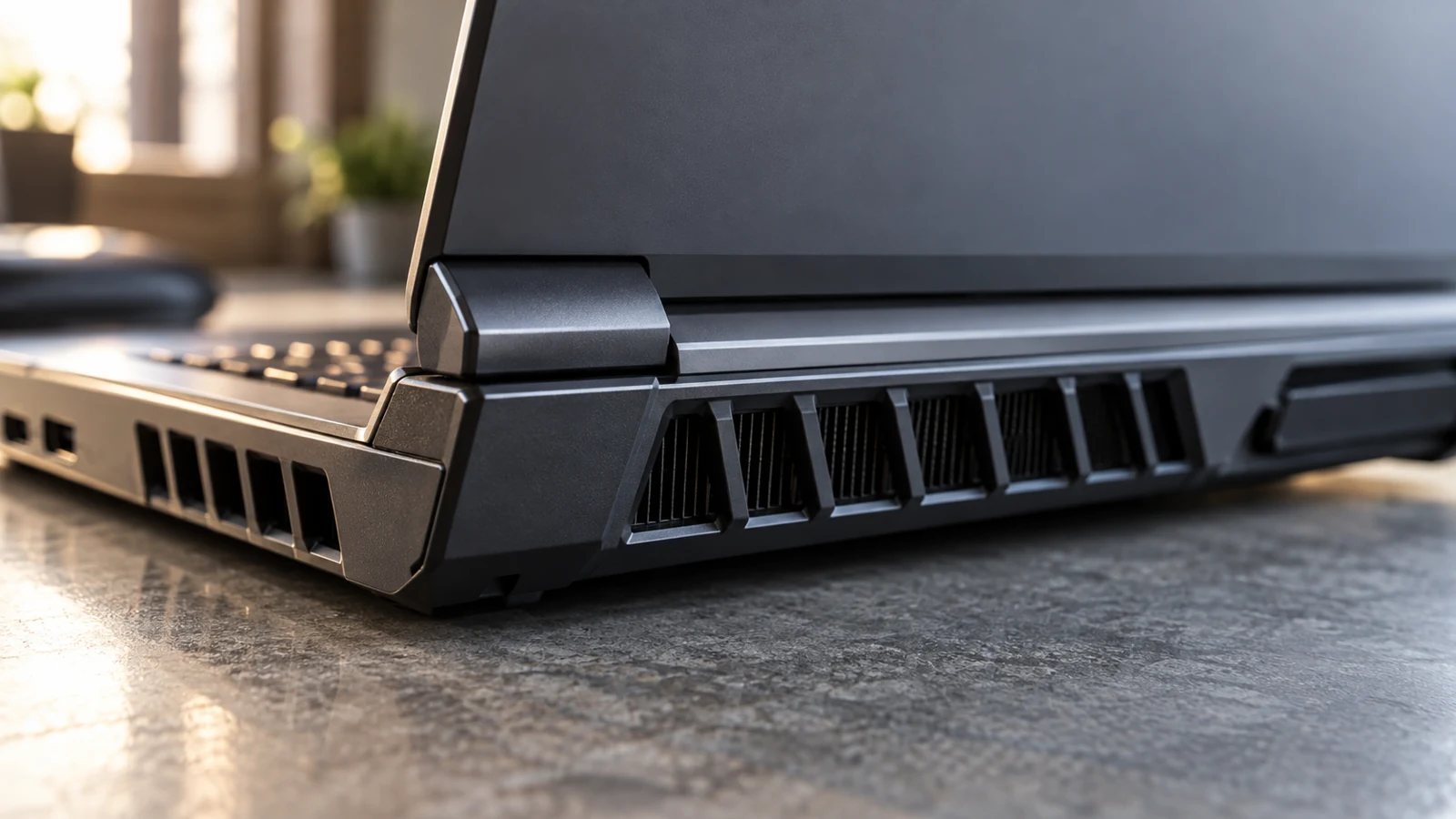
Why must the intake and exhaust remain clear?
The laptop needs its intended ventilation path and supported operating surface. Dell’s thermal guidance includes checking placement and airflow when investigating heat or noise. Use the exact manual’s instructions instead of improvising a position that blocks the designed openings. Dell: laptop temperature and fan troubleshooting
A soft bed or an arrangement that covers the intake can alter the operating conditions. Do not treat a photograph of a neat desk as evidence that the airflow is clear during normal use; inspect cables, stands, and nearby objects.
If considering a stand or cooling accessory, verify compatibility and what it changes. An accessory is not a guaranteed repair for a faulty device. Evaluate the supported setup and avoid modifications to the chassis or thermal controls.
| Field | Example information to record | Reason |
|---|---|---|
| Setup | Surface, vents, room conditions | Makes the session reproducible |
| Mode | Supported profile and power | Explains the performance context |
| Workload | Game or app and duration | Separates burst from sustained use |
| Outcome | Suitability, noise, symptoms | Supports a concrete decision |
Are quiet and performance modes equivalent across brands?
No universal comparison follows from the names. Read what the exact model’s supported modes do and note the mode and power supply used in any review. Compare the performance and operating experience under conditions you could realistically use.
Test the mode you would normally use. Note the task result and the noise experience together. A high-mode figure can be relevant, but it does not establish the same behavior under a quieter profile.
Do not disable thermal protection, alter unsupported firmware settings, or apply an internet tuning recipe simply to match another system. The comparison should represent the configuration you can use and maintain through supported controls.
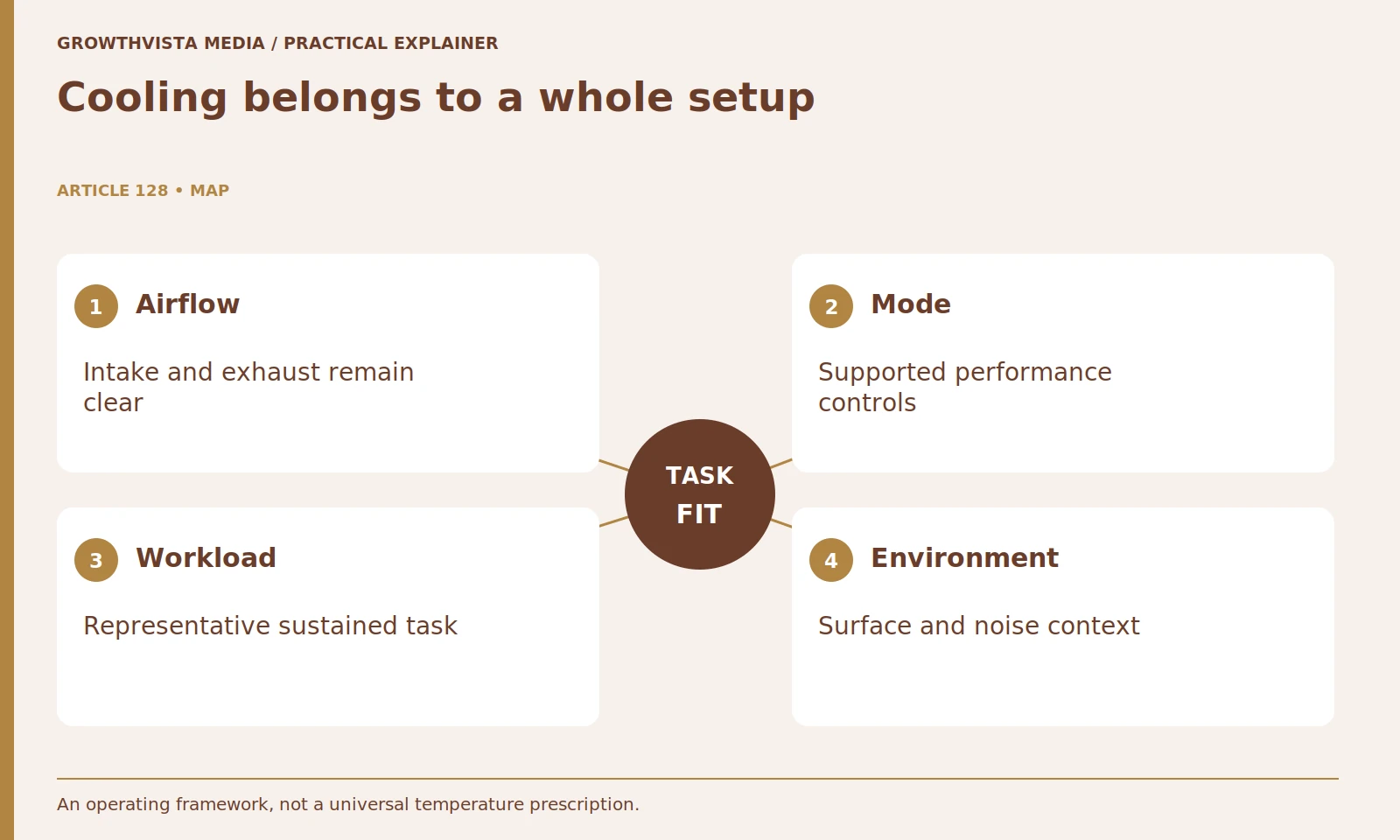
What should a sustained cooling trial record?
Run a representative normal task within the instructions and record mode, configuration, power, surface, room conditions, and time. Describe performance suitability, noise, and usable controls. Keep those observations distinct from a diagnosis or a laboratory thermal measurement.
Note whether performance remains suitable and whether noise or control-surface warmth becomes unacceptable for your use. These are observations, not automatically a diagnosis of failure. A warm operating device and a malfunctioning device are not the same conclusion.
Avoid presenting a brief peak temperature or one fan surge as the whole result. If telemetry is used, understand the sensor and units. Keep the finding within the observed conditions and avoid universal claims based on a single machine or session.
How should published fan-noise figures be compared?
Keep workload, distance, environment, and operating mode beside the measurement. An idle figure and a loaded figure do not describe equivalent conditions. If the method is missing, leave the comparison limited rather than creating a precise ranking from unmatched numbers.
Listen to the character of the sound during an appropriate demonstration or trial. A steady fan and a changing pitch can feel different even when a headline metric is similar. Keep subjective impressions clearly labeled.
For shared-room use, test a normal call or conversation alongside the laptop where practical. The question is whether the supported setup works for the household, not whether a guessed decibel threshold proves the machine is acceptable to everyone.
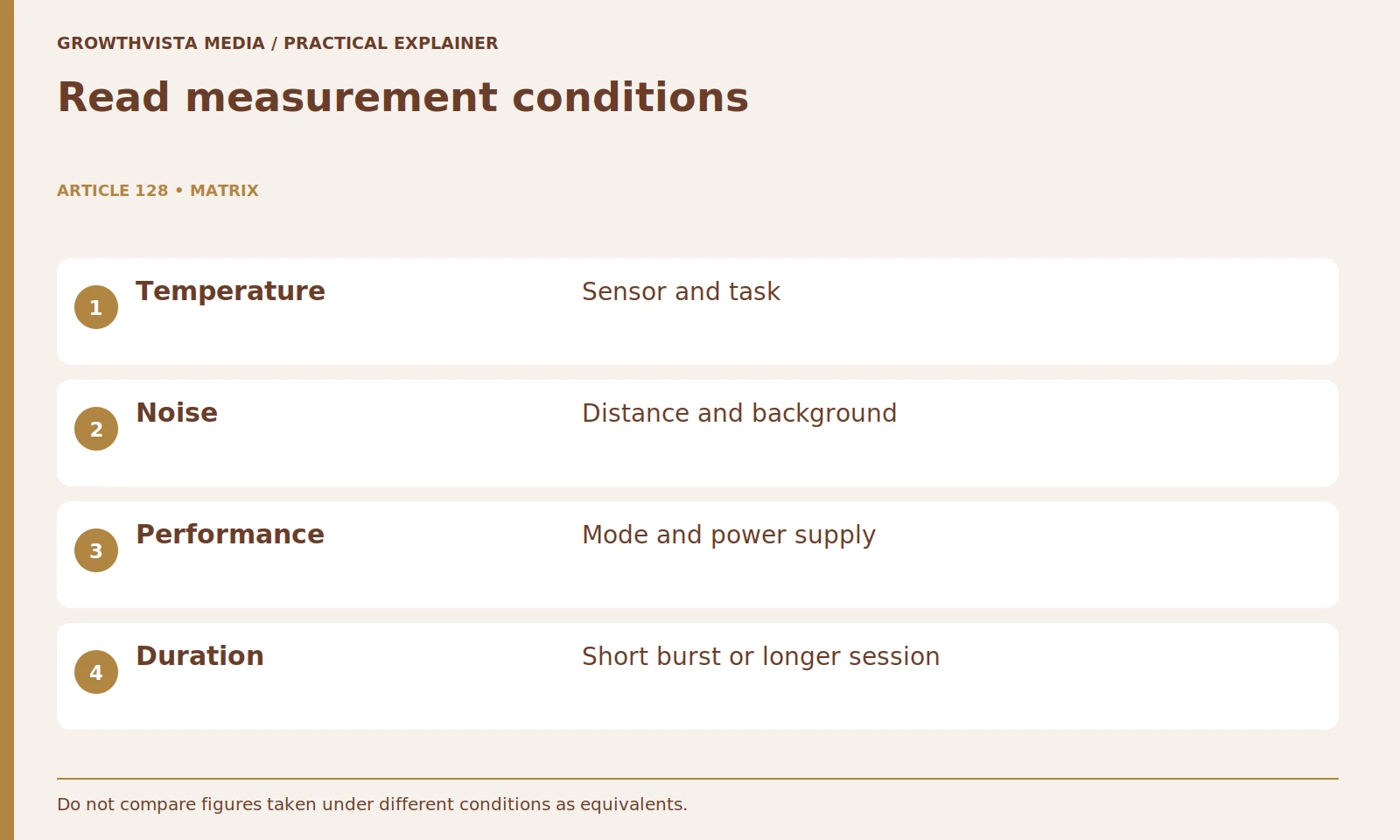
Does a loud fan automatically mean the laptop is faulty?
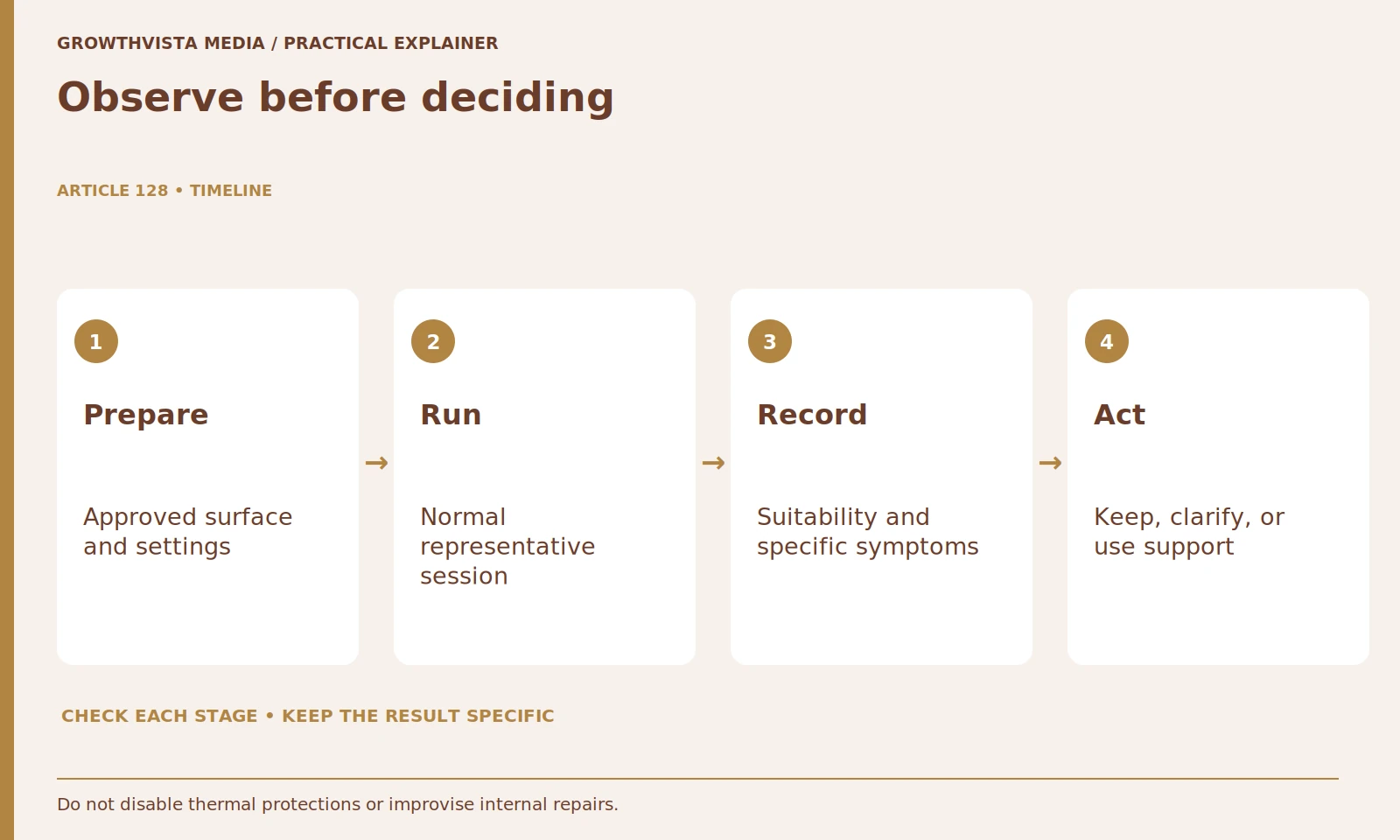
No, but repeated malfunction should not be dismissed as normal gaming behavior. Use the exact symptoms and official diagnostics to decide the support route. Dell’s guidance provides a documented troubleshooting framework, not permission for random internal modifications. Dell: laptop temperature and fan troubleshooting
Record the exact symptom, when it starts, the workload, and the supported configuration. Use official updates and diagnostics as directed. Dell's guidance provides an example of a structured support approach rather than random internal modification.
If the device shows damage or a potentially unsafe condition, stop using it and contact the appropriate support service. This guide is not an instruction to open the cooling system, modify batteries, or replace thermal materials without the required competence and authorization.
What maintenance access should you check before buying?
Review supported external care, diagnostic tools, and the service route for the exact chassis. Identify what the owner may do and what belongs with qualified support. Similar appearance does not establish an interchangeable disassembly or thermal-material procedure.
Consider warranty and repair arrangements, available parts, and the ability to keep vents clear in ordinary use. A highly compact design may have different service trade-offs from a larger model. Confirm them rather than inferring maintainability from thickness alone.
Keep a configuration and symptom record. If the behavior changes after an update or a change in workspace, that history makes troubleshooting more concrete. Maintenance should preserve the supported system, not turn ownership into a series of unverified modifications.
How do you choose the right cooling trade-off?
Choose a supported configuration that meets the task in a noise and surface arrangement you can accept. Intel’s laptop guide considers the overall gaming system, not cooling size alone. Keep task suitability and ownership requirements ahead of an unexplained maximum result. Intel: choosing a gaming laptop
If a candidate meets the task only in a mode you cannot tolerate, that is a legitimate fit issue. If a quieter mode still meets your requirement, the highest benchmark may be less important. Do not assume the largest cooling system is the best purchase for every workload.
Define the workload and real operating environment. Preserve the documented ventilation path. Compare supported modes and sustained suitability. Use official diagnostics for concerning symptoms. Keep verified facts, examples, and unanswered questions distinct when making the final decision.
Frequently asked questions
Can one temperature number establish cooling quality?
No. Identify the sensor, workload, supported conditions, and actual behavior. Use model-specific guidance for limits and faults.
Does a cooling pad guarantee a fix for overheating?
No. An accessory does not eliminate a fault or blocked airflow. Follow appropriate diagnostics for the actual issue.
Should maximum fan mode always be used?
Choose a supported mode that meets the task and fits the environment. Compare performance and noise together.
Can another chassis’s service procedure be copied?
No assumption is safe. Use the exact service documentation and appropriate competence or support.
Does a loud fan prove a fault?
Not by itself. Record symptoms and use official diagnostics, while taking repeated malfunction or damage seriously.
What makes noise comparisons meaningful?
Keep the measurement distance, workload, background conditions, and operating mode attached to the figure.
Sources and further reading
Official documentation supports the technical guidance. Examples and worksheets are editorial methods, not hands-on product benchmarks. Reviewed October 2026.