Office Chair Fit: 8 Checks Before You Buy

Office chair fit should be checked with your actual desk and work tasks. Compare seat height and depth, back support, armrest clearance, floor compatibility, controls, trial terms, and complete cost. A chair that feels pleasant away from the workstation can still prevent you from approaching the keyboard or using the mouse comfortably.
Use a repeatable trial instead of choosing by an ergonomic label or a universal seat measurement. The eight checks below turn fit into observations you can record and compare. This is a researched buying framework, not a medical assessment or original product test. Follow the exact chair’s instructions and seek appropriate advice for persistent symptoms.
Your decision checklist
- Use the actual desk and ordinary tasks.
- Check seat, back, arms, and supported movement.
- Verify capacity, floor suitability, and trial terms.
- Price the complete workable arrangement.
Where should an office chair fit check begin?
Begin at the actual desk with the keyboard, mouse, and normal tasks in place. OSHA advises considering the chair alongside workstation components. Record leg space and obstacles before judging upholstery or counting controls, because useful fit belongs to the whole arrangement. OSHA: chair considerations
Define the main task before judging the chair. Typing at a keyboard, sketching on a tablet, and reading printed pages place tools in different locations. Use a short sample of each task during a trial. Check whether you can approach the working area without the chair arms catching the desk. This first check prevents a purchase based only on how the seat feels away from a workstation.
How should seat height and foot support be checked?
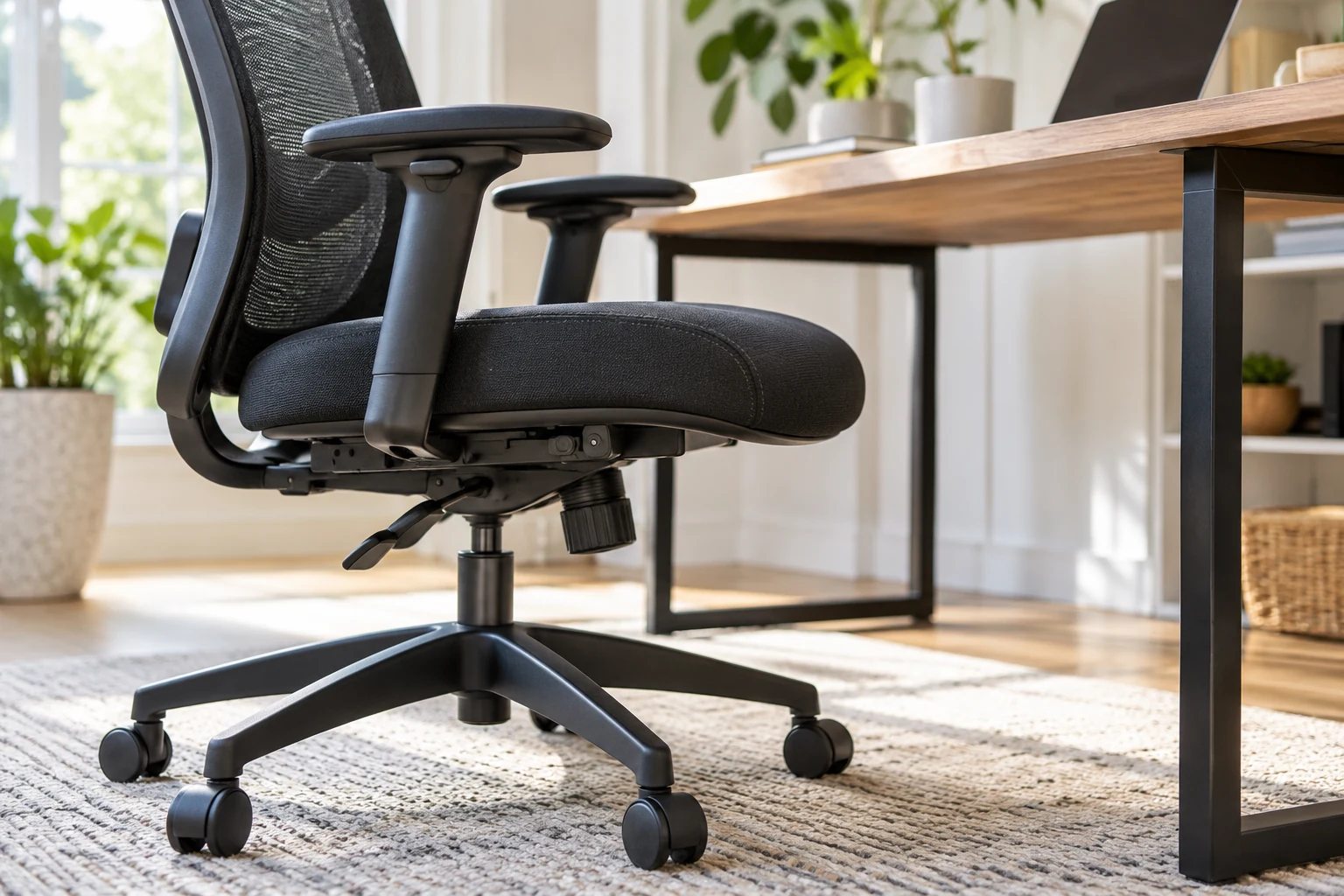
Try the supported height range against the working surface and your own position. Check reliable foot support and whether the arrangement leaves adjustment room. The usable setting at your desk matters more than an advertised range detached from the person and workstation.
Record which position works and whether there is adjustment room left. If the chair fits only at its absolute limit, a change in footwear, desk, or user could make the arrangement less useful. A shared home office needs a separate trial for each person. Do not force a single setting to serve everyone simply because the chair has many controls.
| Check | What to record |
|---|---|
| 1. Desk | Working height and obstructions |
| 2. Height | Usable seat position and foot support |
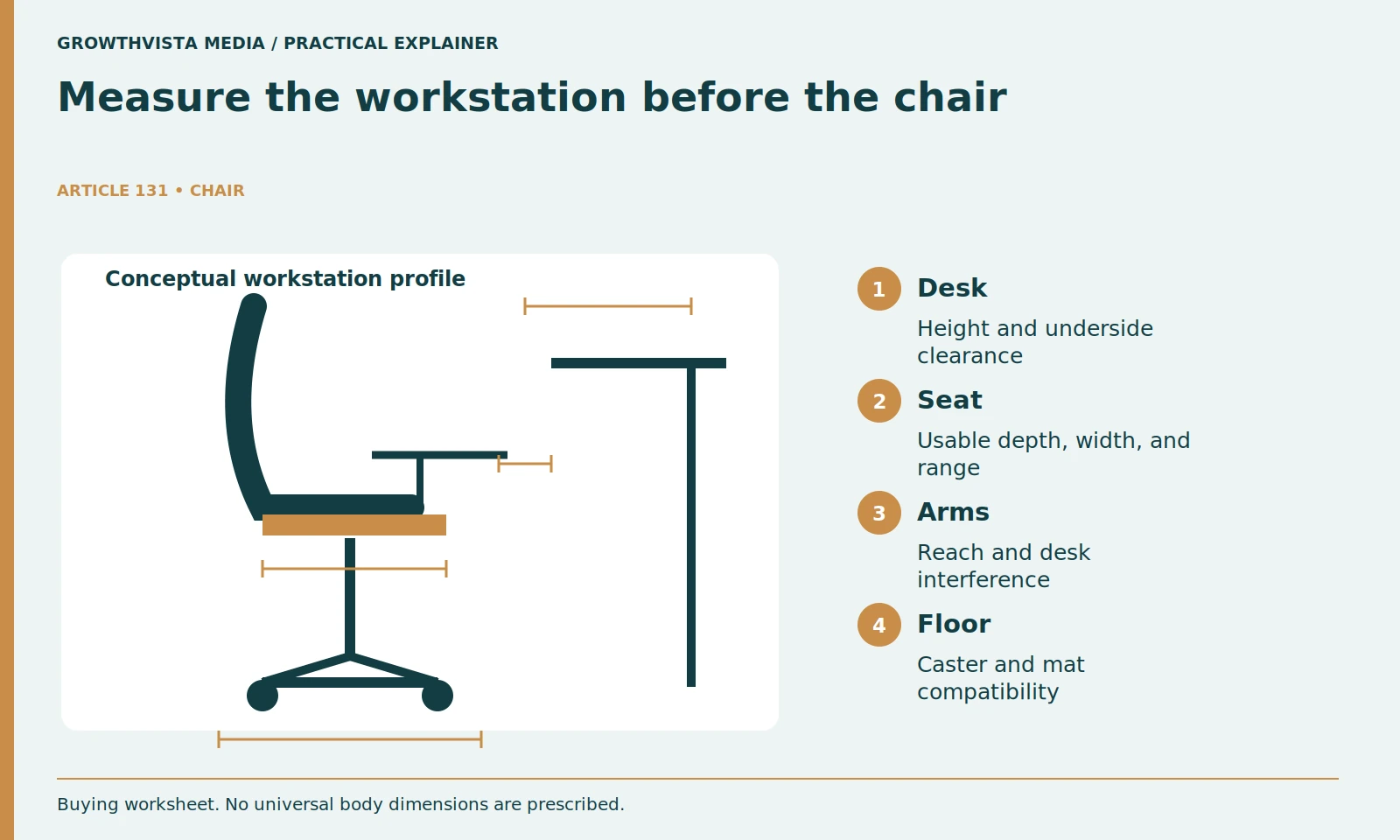
| 3. Seat | Depth and width in your position |
| 4. Back | Support and control usability |
| 5. Arms | Reach and desk clearance |
| 6. Base | Floor suitability and rated capacity |
| 7. Trial | Return deadline and costs |
| 8. Ownership | Accessories and service terms |
What makes seat depth and width useful?
They should permit the supported working position without the front edge creating an unwanted pressure point or the sides restricting ordinary movement. Try the actual adjustments and usable seat area rather than assuming outer dimensions describe where you sit.
Width also deserves a practical check. Check clearance around your hips, how the side edges feel, and whether arm supports narrow the usable space. Wear ordinary work clothing during the trial. A broad seat is not automatically better if it makes the armrests difficult to reach. Note both the adjustment position and any pressure you notice, then repeat the observation after a longer ordinary work session.
How do you evaluate the backrest during normal work?
Use typing, reading, and ordinary movement to check the controls the model actually provides. Record whether settings are understandable and remain in place. A long feature list is not proof that the available support and ranges fit your tasks.
Avoid choosing by the number of advertised ergonomic features. An adjustment is useful when you can find it, operate it, and obtain a position that suits you. Check whether a setting stays in place after several movements. If the backrest repeatedly pushes you away from your preferred working position, write that down as a fit concern rather than assuming a longer break-in period will resolve it.
How should armrests be compared with the desk?
Check whether they let you approach the work area and reach the input tools without interference. Try supported adjustments before considering manufacturer-approved alternatives. Do not treat a comfortable reclined position as evidence that the same setting works for keyboard use.
Keep the purchase decision connected to your workstation. If the only usable arrangement requires removing an armrest, check whether removal is supported and how it affects assembly or warranty terms. Do not improvise structural changes. A short video of the chair approaching the desk can be a useful private comparison record, especially when you are trying several models on different days.
What should you verify about the base and floor?
Read the rated capacity, assembly requirements, and caster or floor guidance. Inspect normal stability and movement within the instructions. A heavy-duty description or sturdy appearance is not a substitute for the exact rating and an appropriate assembled configuration.
A showroom test should stay within ordinary operation. Do not tip the chair deliberately or stress it beyond its instructions. If buying a used chair, ask about repairs and inspect the adjustment mechanism, upholstery, and visible hardware. Missing instructions or uncertain replacement parts are reasons to investigate further. Keep rated capacity separate from the seller’s informal reassurance that a chair is heavy duty.
How can the return period become a useful fit trial?
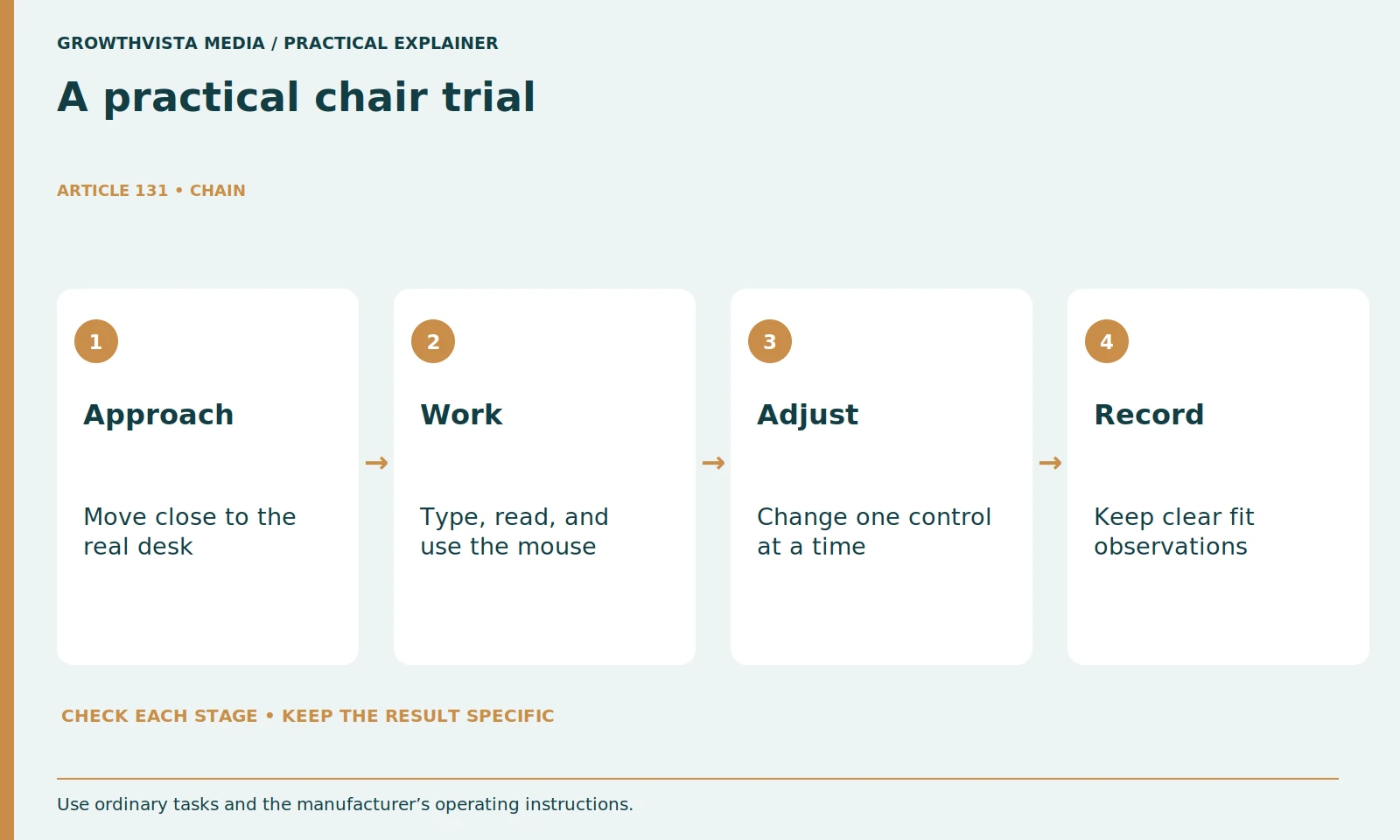
Save the applicable deadline, return cost, packaging conditions, and assembly restrictions first. OSHA recommends trying chairs before buying; a permitted home trial can extend your observations to the actual workstation. Record several ordinary sessions without assuming a brief sit proves long-term suitability. OSHA: workstation purchasing guide
During the trial, use the same tasks and a short observation sheet: desk access, seat pressure, adjustment reliability, floor movement, and control usability. Repeat the checks over several ordinary sessions rather than judging a single five-minute sit. If discomfort persists, seek appropriate professional advice rather than relying on a product label. Make the return decision early enough to arrange collection within the stated deadline.
How do you make the final chair buying decision?
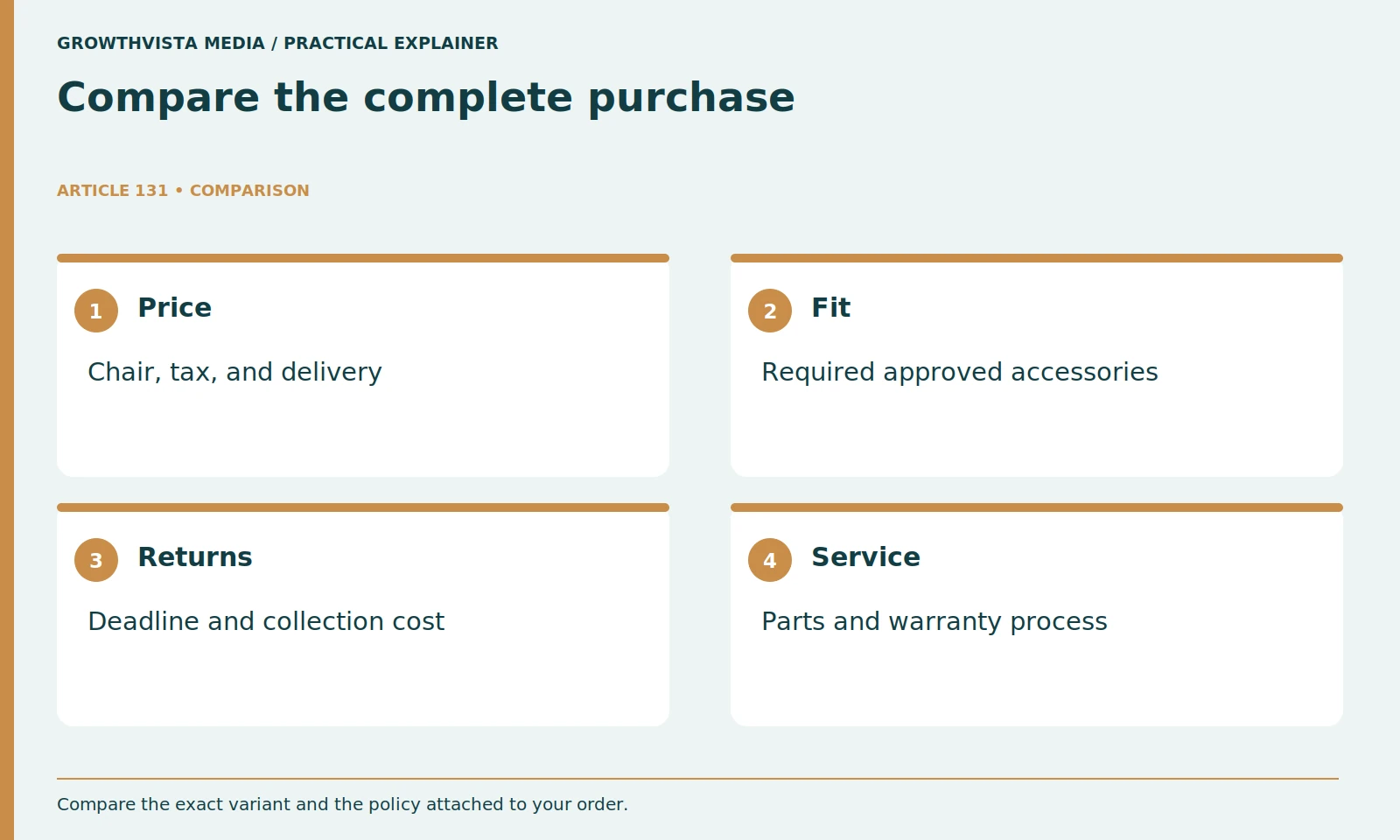
Compare fit, required approved accessories, full price, returns, and service terms. Mark the arrangement as workable, workable with a documented change, or unsuitable. Keep the exact model and variant in the record so a later reorder does not silently change the product.
Finish with three categories: fits now, needs a documented accessory, or does not fit. Choose from the first two only when the complete setup remains within budget. Record the exact model, size, and upholstery variant so a later reorder does not silently change the product. This decision record is more useful than a numerical comfort score that combines unrelated strengths and weaknesses.
Use the actual desk and ordinary tasks. Check seat, back, arms, and supported movement. Verify capacity, floor suitability, and trial terms. Price the complete workable arrangement. Keep verified findings, illustrative examples, and unresolved requirements separate in the final decision.
Frequently asked questions
Can height alone identify the right chair?
No. Check seat depth, usable width, desk clearance, armrest reach, and the actual adjustment ranges at your workstation.
How long does a fit trial need to last?
There is no universal duration proving long-term suitability. Use the applicable return terms and several ordinary sessions, recording problems early enough to act.
Is an ergonomic label enough evidence?
No. Identify the controls and test their actual ranges against your tasks rather than assuming the label establishes fit.
Does every office chair need a headrest?
Treat it as a task, fit, and cost decision. Verify the supported position instead of making it mandatory for every workstation.
Should return costs be checked before assembly?
Yes. Save the applicable deadline, packaging requirements, assembly conditions, and collection or shipping costs before committing to the trial.
Can this buying guide diagnose discomfort?
No. It offers practical fit observations. Persistent symptoms call for appropriate professional advice rather than a product-label promise.
Sources and further reading
Official documentation supports the technical guidance. Examples and worksheets are editorial methods, not hands-on product benchmarks. Reviewed October 2026.