Vacuum Maintenance: A Checklist for Better Pickup
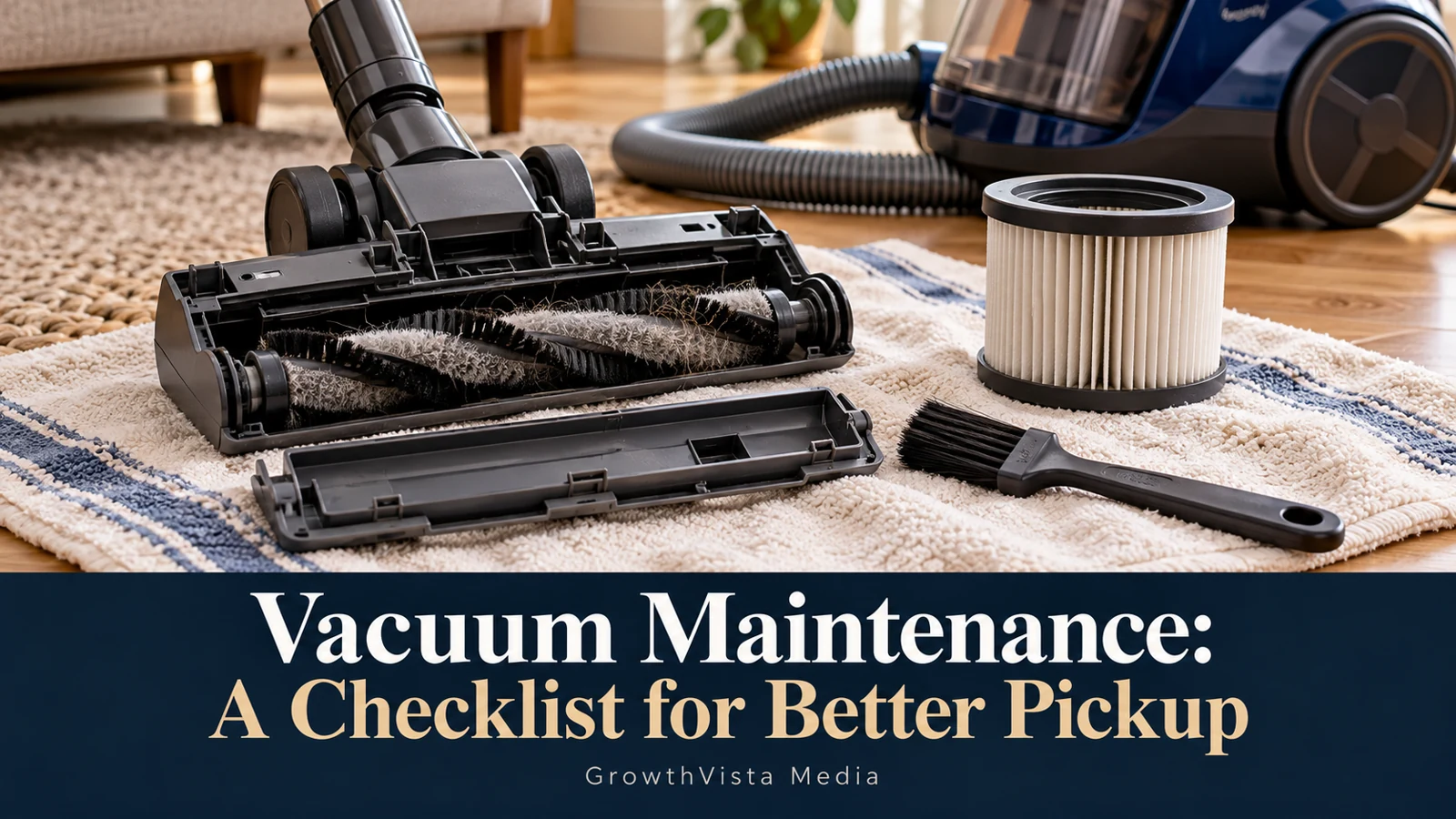
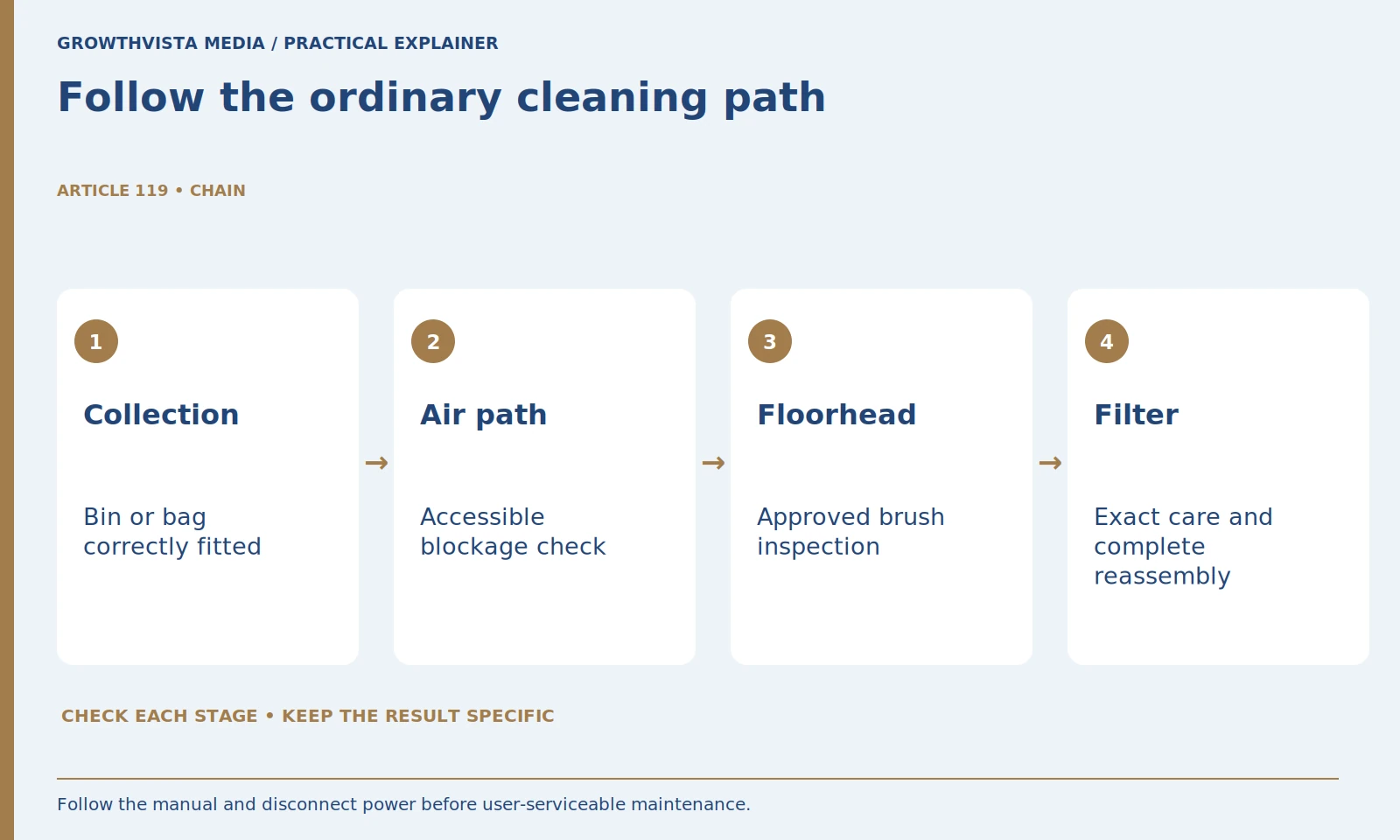
Vacuum maintenance should begin with the exact model, a specific symptom, and the manufacturer’s user-service instructions. Check the bin or bag, approved airflow paths, floorhead, filter procedure, and power arrangement in a supported order. Cleaning every component the same way can create damage instead of improving pickup.
Disconnect or prepare the appliance as its manual directs before touching serviceable parts. This guide provides a diagnosis and verification worksheet, not repair instructions for sealed mechanisms or batteries. Filter washing, drying, replacement, and brush removal differ by model. Stop and use legitimate support when there is damage or concerning behavior.
Your decision checklist
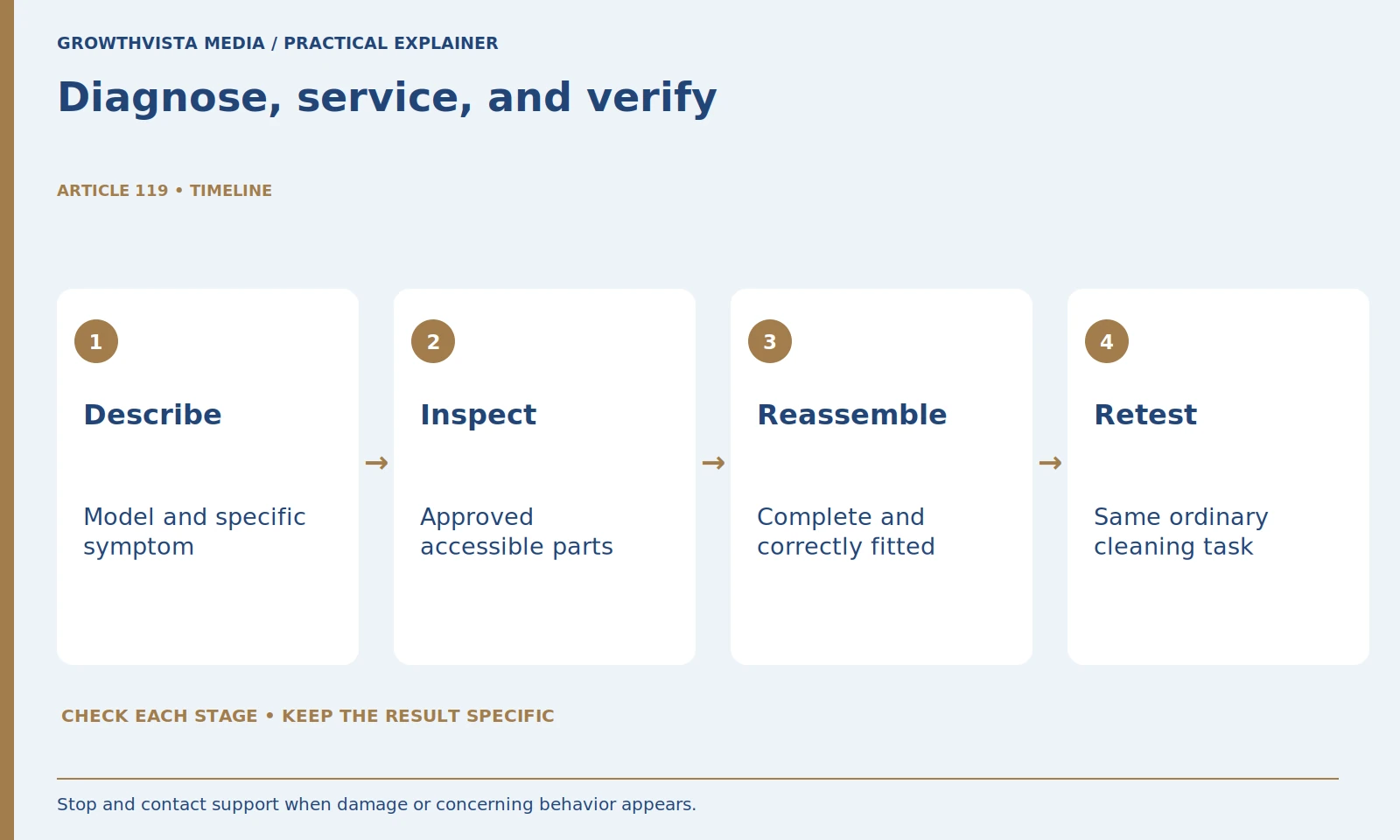
- Describe the symptom and find the exact manual.
- Inspect only approved user-serviceable parts.
- Keep filter and brush procedures model-specific.
- Reassemble and repeat the same cleaning task.
Where should vacuum maintenance start when pickup drops?
Record the model and describe where the problem occurs: one head, every attachment, or after a recent change. Use the manual to choose the next supported check. A precise symptom makes investigation more useful than dismantling unrelated parts or repeatedly changing settings.
For an illustrative case, a vacuum works through its approved hose tool but not through its floorhead. That suggests checking the head and its connection using the manual; it does not prove which part has failed. Keep diagnosis separate from assumptions.
Before touching user-serviceable parts, follow the stated power-off, unplugging, or battery-removal procedure. Keep sharp tools and unauthorized modifications out of the routine. If the manual does not identify a component as user-serviceable, ask support rather than opening it experimentally.
How do you check the bin or bag?
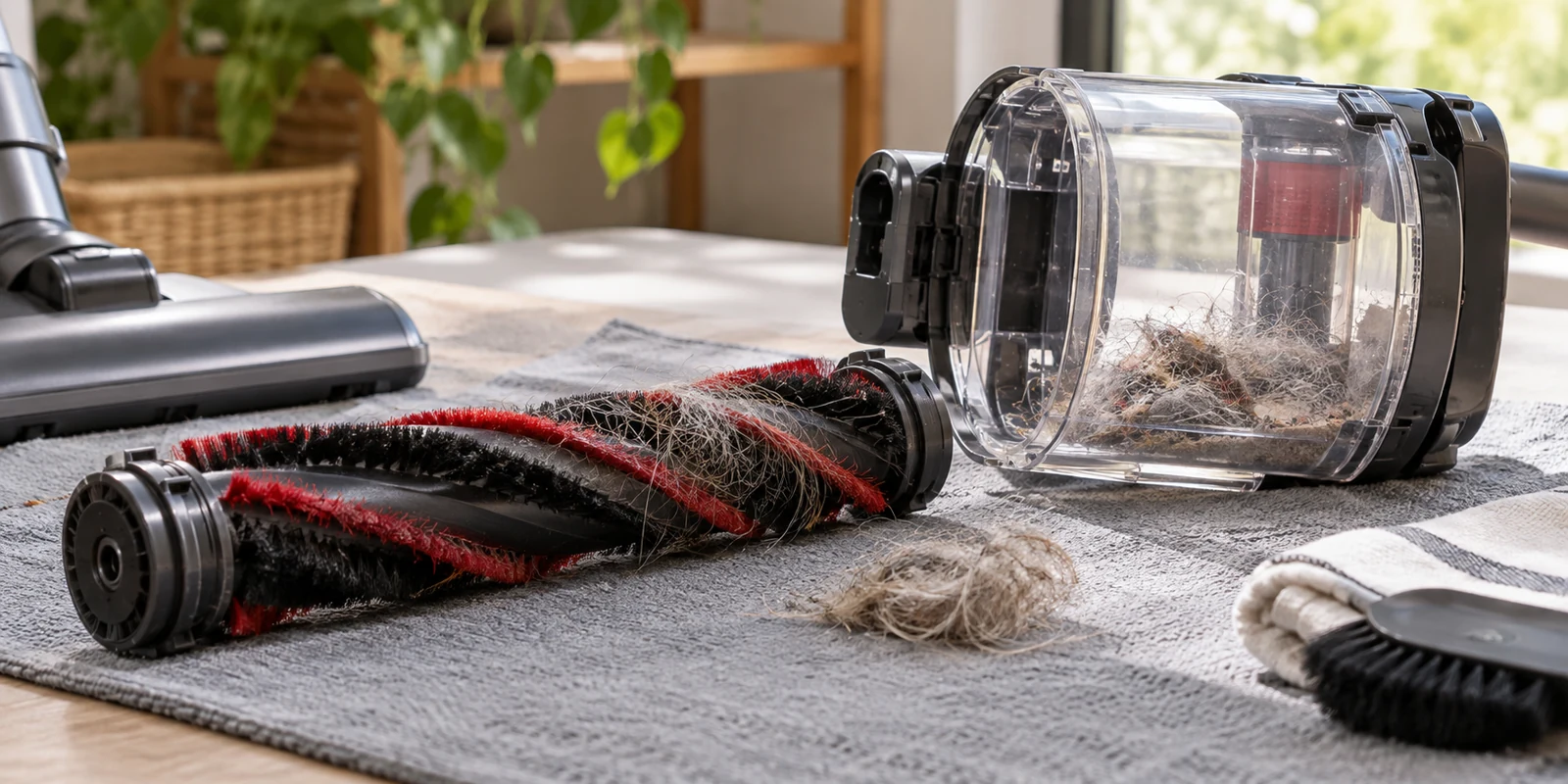
Review fullness, correct fit, seals or connections identified in the manual, and the approved emptying or replacement process. Follow the model’s limits rather than waiting until collection visibly stops. Refit required parts correctly before testing the machine again.
A newly emptied container is not the end of the inspection. Look for debris in accessible openings and confirm the closure engages appropriately. Follow the manual for cleaning surfaces and permitted moisture; do not assume the entire container assembly can be submerged.
After reassembly, verify that the part sits correctly before operating. If a latch or seal is damaged, use the approved replacement or service route. Improvised tape can conceal a fit problem without restoring the intended function.
| Observation | Check through the manual | What to record |
|---|---|---|
| Poor pickup at one head | Head and connection | Setting and service outcome |
| Problem after washing | Permitted filter procedure | Dryness and fitting |
| Repeated blockage | Approved airflow-path inspection | Location and recurring debris |
| Power interruption | Approved power or charging guidance | Status, damage, and support steps |
How should you investigate a possible blockage?
Inspect only the accessible airflow paths identified for user service, with the appliance prepared according to its instructions. Record the location and recurring material if a blockage is found. Do not force tools into sealed passages or treat an unresolved problem as permission for unsupported dismantling.
Note where an obstruction was found and what may have caused it. Repeated blockage in the same area can suggest unsuitable debris, a damaged part, or a configuration problem to discuss with support. It should not become a reason to increase power and ignore the symptom.
Check attachment connections after reassembly. A loose coupling or incorrectly installed section can change the way the machine operates. Keep the original parts and orientation documented if the instructions contain several model-specific variants.
Can every brush roll be removed the same way?
No. Use the procedure for the exact head. BISSELL documents a specific release-and-refit method for particular handheld models, illustrating why the mechanism must be verified before service. Do not transfer those steps to an unfamiliar head merely because the parts look similar. BISSELL: brush-roll maintenance
Do not cut near wiring, damage bristles, or remove guards that must remain installed. Check end caps and seating as the manual directs. If a powered head has an electrical fault or damaged connection, stop and use support rather than treating it as an ordinary tangle.
Match the operating setting to the surface when you resume. A clean head can still perform poorly if used with an unsuitable brush or suction setting. Consult the floor-care guidance as well as the vacuum instructions for delicate materials.
Can you wash every vacuum filter?
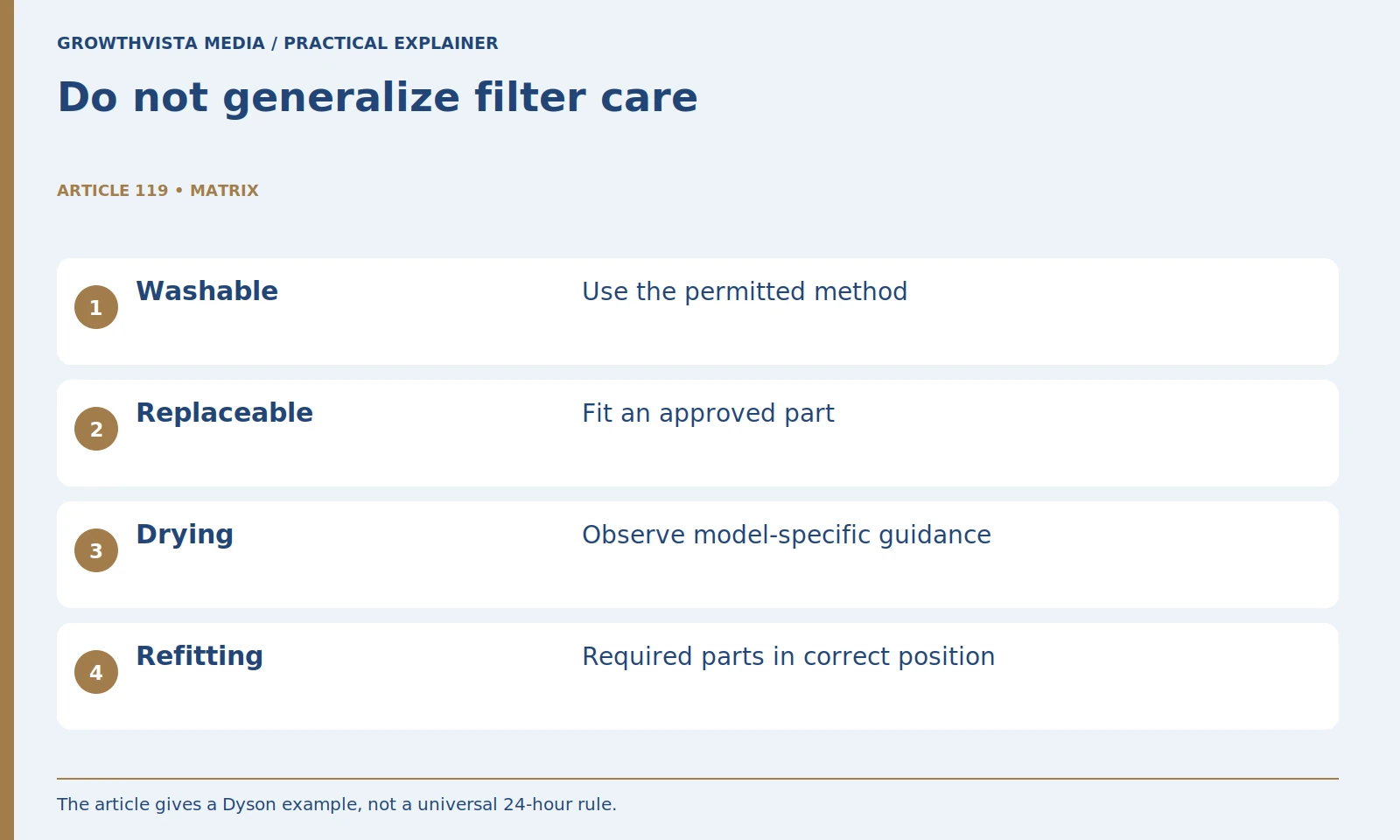
No. First establish whether the filter is washable, replaceable, or serviced another way. Dyson’s guide gives drying requirements for its covered machines and directs users to model-specific instructions. Use the documented method and reinstall only when its required conditions are satisfied. Dyson: filter care for cordless vacuums
Dyson's guidance for supported cordless filters calls for at least 24 hours of drying and complete dryness before refitting. That is a specific example, not a universal instruction for every vacuum. Your model may require a different process, replacement, or a longer wait until the component is fully dry.
Do not use heat or chemicals unless the instructions permit them. Keep a note of cleaning and replacement dates. If a filter needs unusually frequent attention, review the debris and usage conditions with the manual or support rather than simply shortening the interval indefinitely.
What should you check about charging or power problems?
Use the approved charger and the manufacturer’s diagnostic route. Identify warning indicators, visible damage, and the circumstances of interruption without opening battery packs or improvising electrical connections. Separate a power problem from an airflow or floorhead problem in the service record.
For a corded unit, inspect the accessible cord and plug for damage before use. Do not repair exposed wiring with a household workaround. If the device shows concerning heat, smell, noise, or visible damage, stop and seek the appropriate service route.
Keep power-related observations separate from pickup observations. A battery interruption and a blocked floorhead require different diagnosis. Recording both helps support understand the issue without relying on a vague statement that the vacuum is weak.
How do you verify that maintenance helped?
Reassemble the required parts and repeat the same ordinary cleaning task with the same tool and setting. Record whether the original symptom changed. A brief successful startup is not enough to establish that pickup, handling, and normal operation have all returned.
For the illustrative floorhead issue, compare the ordinary area before and after the service step. Record whether pickup improved, whether the head operates normally, and whether the symptom returns. Do not invent a percentage improvement from a visual observation.
If the problem persists, stop repeating the same intervention and contact support with the model, symptom, steps completed, and result. This gives the service team a useful history and reduces the chance of damaging parts through repeated improvised cleaning.
What belongs in a vacuum maintenance log?
Keep the model, symptom, approved action, replacement part where relevant, and observed result. Review recurring problems rather than repeatedly treating them as new. The record should guide supported maintenance and help legitimate support understand what has already been checked.
Keep replacement part numbers and official support links with the record. A similar-looking filter or roller may not be compatible. Store cleaned parts appropriately and do not mix components between models unless explicitly approved.
Describe the symptom and find the exact manual. Inspect only approved user-serviceable parts. Keep filter and brush procedures model-specific. Reassemble and repeat the same cleaning task. Keep verified findings separate from expectations, and revisit the decision after a material change.
Frequently asked questions
Can every vacuum filter be washed?
No. Follow the exact model’s permitted cleaning or replacement procedure. A washable filter on one machine does not establish the method for another.
Is 24 hours a universal filter-drying rule?
No. Dyson’s cited guide gives requirements for its covered machines. Follow your model’s instructions and its complete-drying requirement.
Should I remove every panel to find a blockage?
Inspect only approved user-serviceable paths. Use legitimate support for sealed mechanisms or unresolved problems.
How do I know maintenance improved pickup?
Correctly reassemble the machine and repeat the same ordinary task with the same tool and setting. Record the original symptom and the result.
Can I repair a battery pack myself from this guide?
This guide supplies no battery repair procedure. Use the approved charging and support instructions instead of opening or modifying the pack.
What should I do when a problem keeps returning?
Keep the symptom, location, actions, and results in a maintenance record and use that information with legitimate product support.
Sources and further reading
Official documentation supports the technical guidance. Examples and worksheets are editorial methods, not hands-on product benchmarks. Reviewed October 2026.
- Dyson: filter care for cordless vacuums
- BISSELL: brush-roll maintenance
- Miele: matching brushes to floor types
Related guides
- Cordless vs Corded Vacuums: Choose for Your Floors
- Vacuum Cleaners for Pet Hair: 7 Features to Check
For an automated cleaning approach, see our robot-vacuum comparison.