Outdoor Security Cameras: 8 Checks Before You Buy
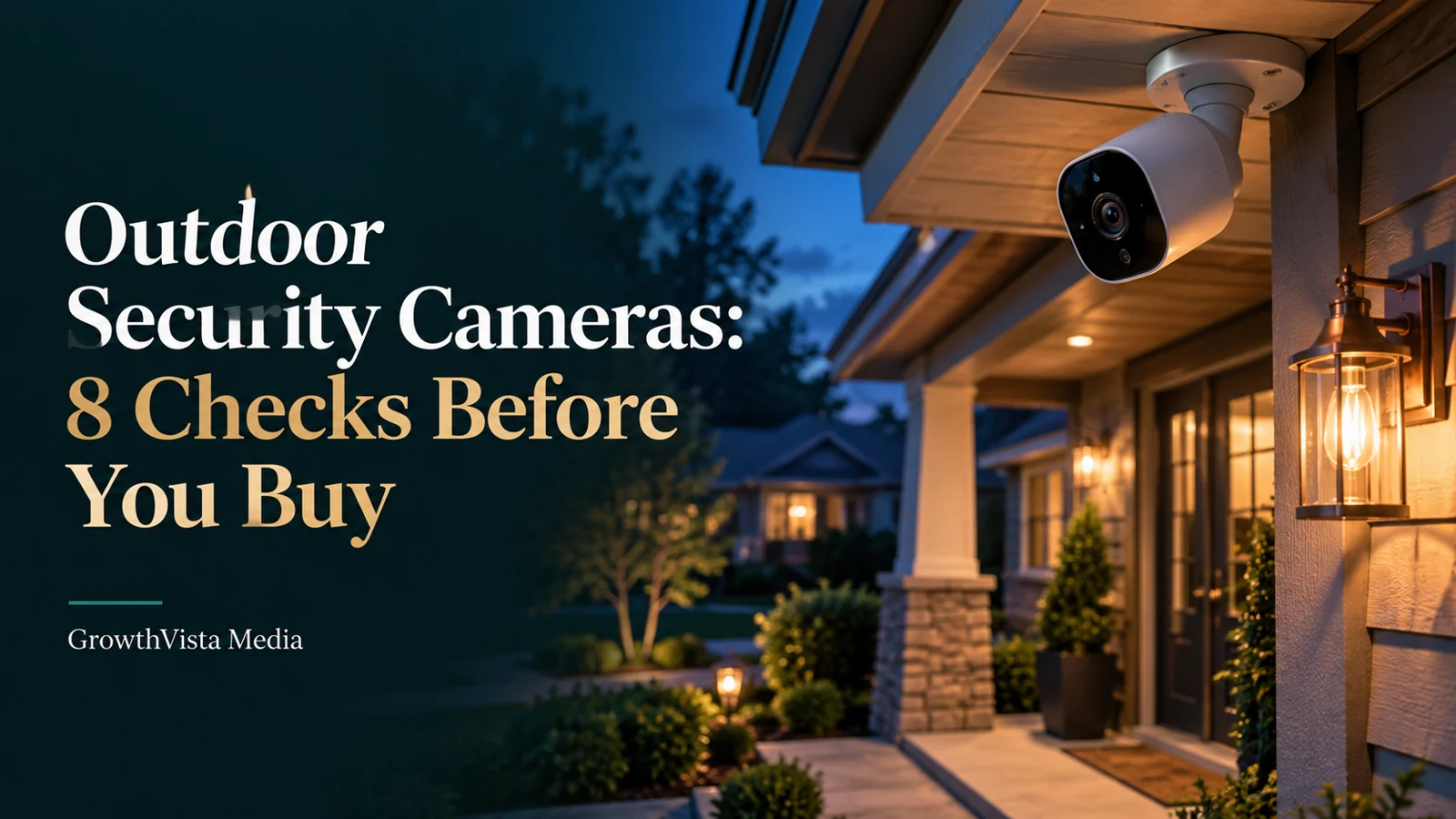
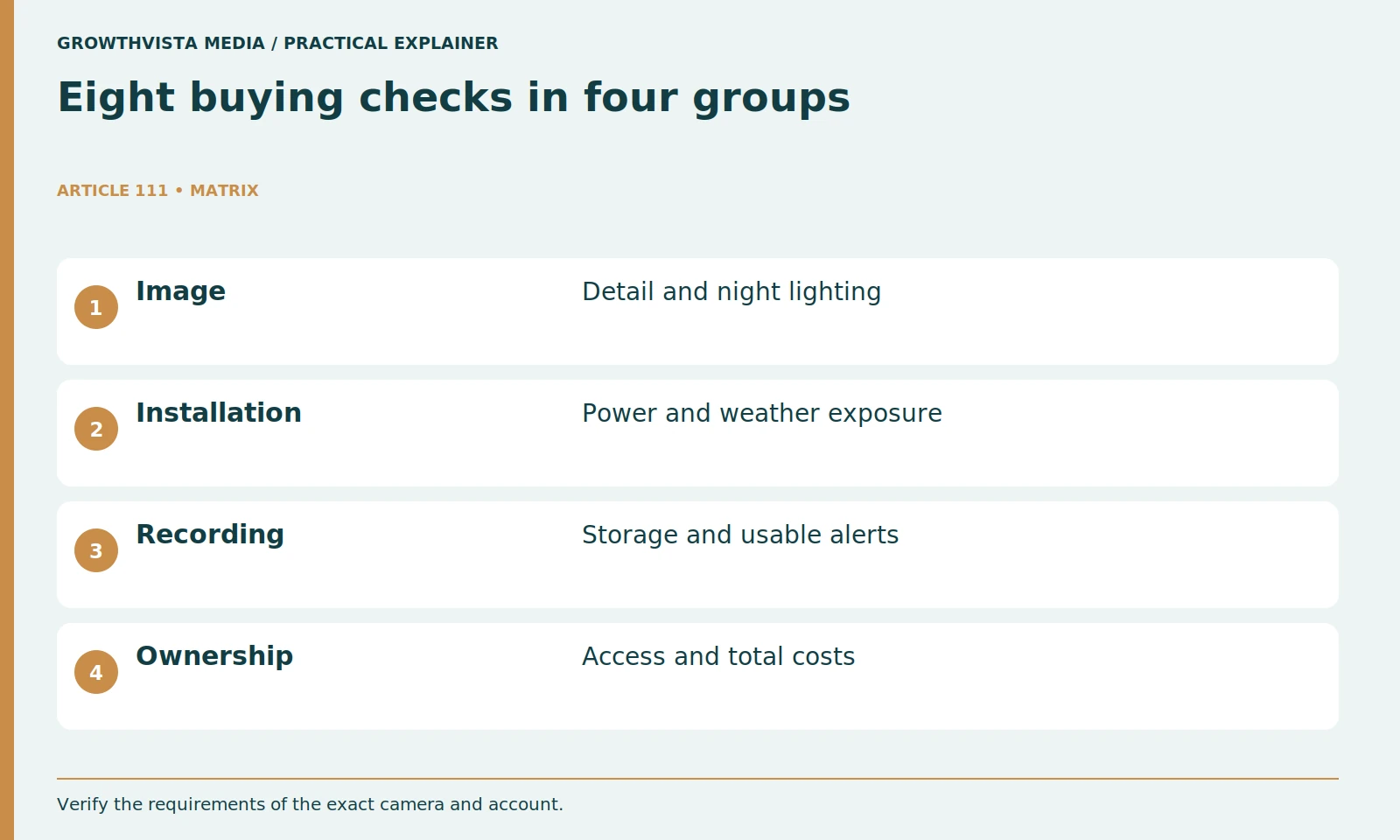
Outdoor security cameras are most useful when the installed system captures the event you need, records it reliably, and lets you retrieve the footage. Choose by location, useful day-and-night detail, power, connection, storage, access controls, maintenance, and total cost. Resolution alone cannot answer all eight questions.
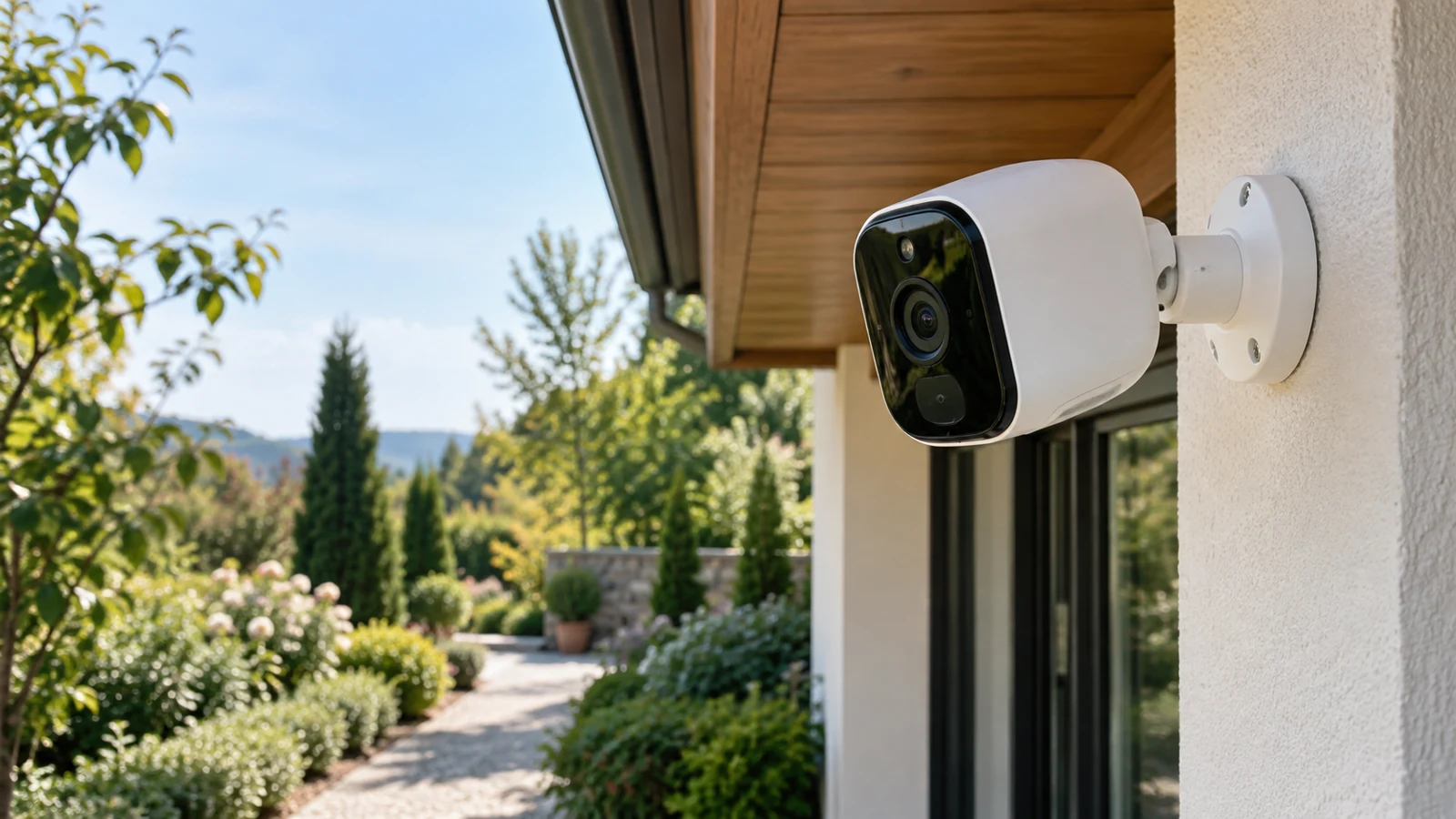
Start with one scene, such as a front-door arrival or a side-gate approach. Then check the exact camera and plan against that job. The steps below provide a buying and acceptance framework, not a tested product ranking. Illustrative images show generic equipment, and the examples do not establish crime prevention or guaranteed identification.
Your decision checklist
- Name one event each camera must capture.
- Verify day and night recordings at the actual location.
- Check storage, export, and plan requirements.
- Document permissions, service access, and total cost.
How should you choose outdoor security cameras for a specific location?
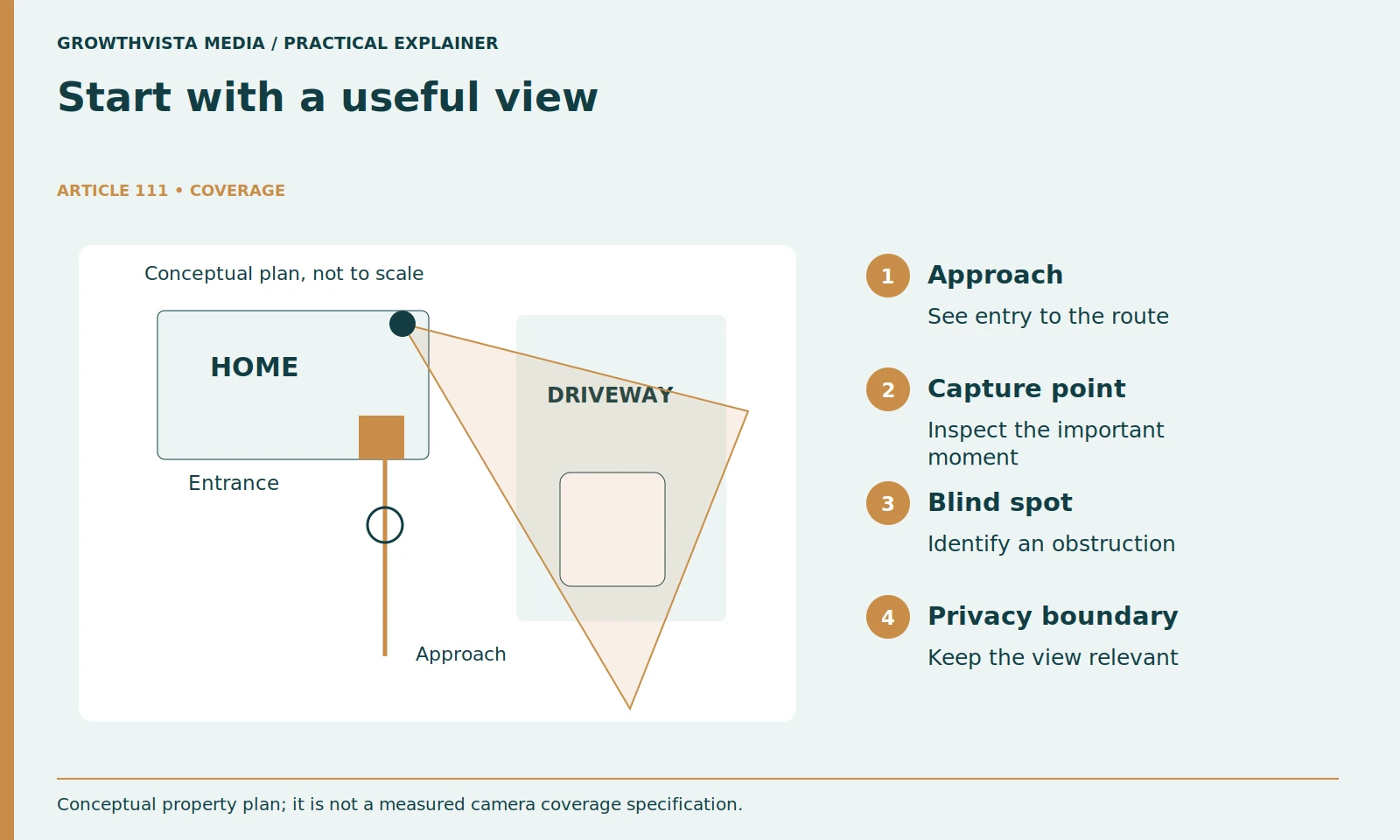
Define the event and capture point before selecting a model. A driveway overview answers a different question from a close doorway view. Give each planned camera one clear job, then check whether its installed view can support that job during ordinary activity.
For an illustrative home, the entrance may need a view of the approach and doorstep, while the driveway needs an overview of vehicles entering. Do not assume one camera will do both well from a high corner. Before comparing models, identify the distance to the important activity and possible obstructions.
Keep the plan restrained. More cameras mean more accounts, recordings, mounting points, and maintenance. Choose a useful first view that can be tested. Add another device only when it answers a different question rather than filling a gap on a shopping checklist.
Is higher resolution enough for useful outdoor footage?
No. Pixel dimensions are one input; the subject’s size in the frame and the conditions of capture also matter. Compare footage from a similar distance and scene, then test the important moving event at your own installation rather than judging an empty still image.
When reviewing demonstrations, ask whether the sample resembles your installation. A close person in a brightly lit room is not evidence of performance across a dark driveway. Look for movement, difficult lighting, and the actual export format rather than only a still screenshot.
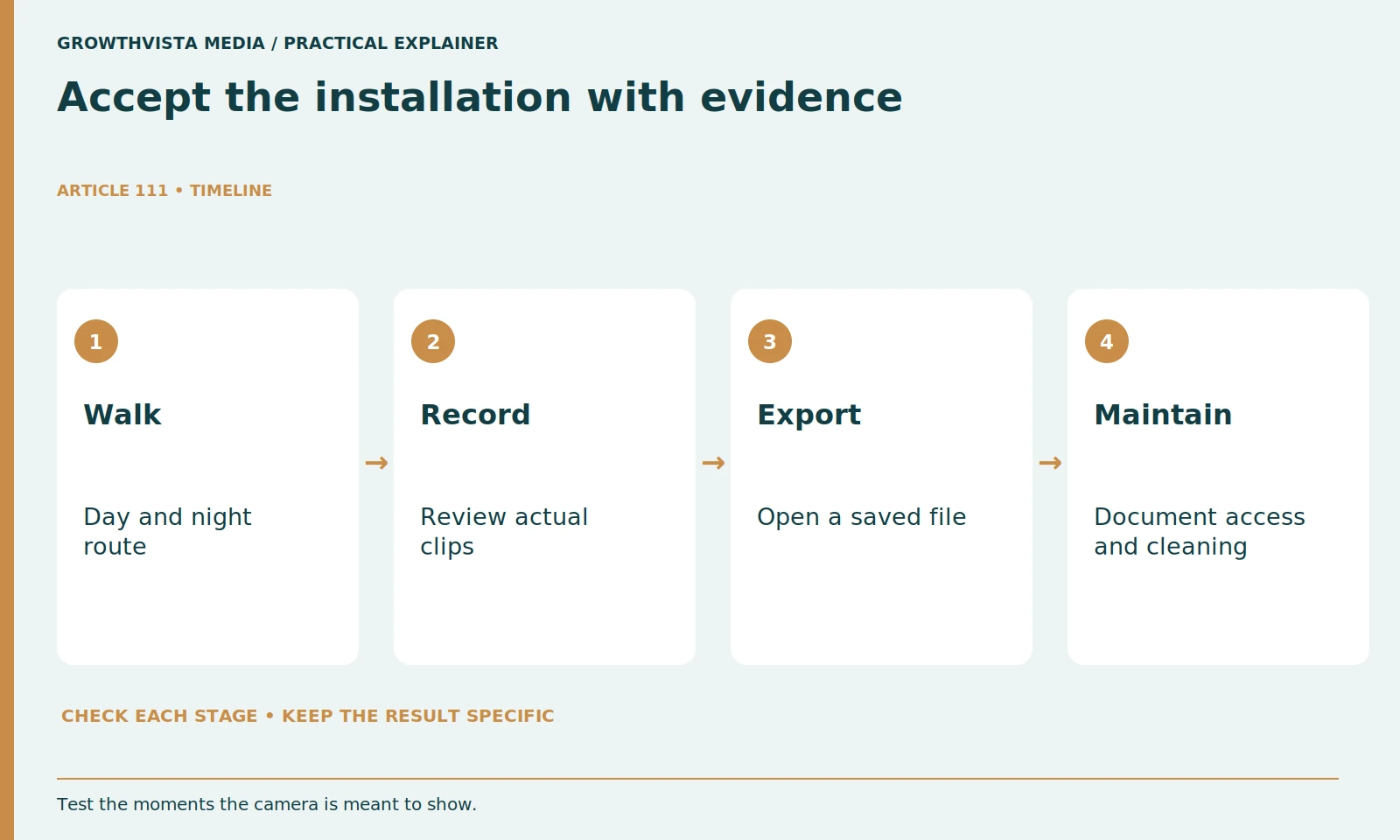
Define an acceptance task for your own installation. Walk the intended route at an ordinary pace and review the recorded clip on the device you will use. Check the moment you care about: approaching the gate, reaching the porch, or crossing the driveway. If the useful detail is missing, reconsider the position before paying for a higher specification.
| Question | Options to investigate | What to verify |
|---|---|---|
| How is it powered? | Battery, wired power, compatible PoE | Installation and service access |
| How does it connect? | Wi-Fi, Ethernet, model-specific hub | Signal or cable route at the actual mount |
| Where is video saved? | Camera, recorder, cloud, hybrid | Plan requirements and export method |
What should you check about night vision?
Check whether the relevant activity remains understandable after dark. Inspect glare, shadows, and the camera’s actual night mode at the proposed location. Axis identifies scene illumination as a factor in network-video image quality. A bright preview by itself is not a complete acceptance test. Axis: lighting for network video
An infrared mode and a color night mode are not interchangeable promises. Check the conditions under which the advertised sample was captured. If a camera uses a spotlight, consider whether the light is appropriate for the location and how it affects nearby people.
Record a night walk-through before you consider the installation finished. Look at moving subjects and the approach route, not just an empty scene. A very bright static picture can still miss the useful moment. Cleaning the lens and adjusting the view may matter more than changing an app's saturation setting.
Do Wi-Fi cameras still need a power cable?
They may. Wi-Fi describes a network connection, not the power supply. Confirm whether the exact model needs mains power, a battery, or another supported arrangement, and read how that arrangement affects its available recording modes and maintenance.
Check the exact product's requirements for continuous recording, detection, and wake-up behavior. Do not assume that every battery device records in the same way. Solar accessories also require compatible equipment and an appropriate location; they are not a universal guarantee that charging will never be needed.
Test network access at the mounting position with the door closed and the camera in place. A phone working beside the router does not establish a reliable connection under an exterior eave. Avoid improvising exposed power connections. Follow the installation instructions and use qualified help where the electrical work requires it.
What makes a mounting position practical year-round?
A suitable position fits the product’s environmental and mounting instructions and remains reachable for approved maintenance. Evaluate the camera, power accessories, cable path, weather exposure, and cleaning access together. A convenient initial view can become less useful when plants grow or service access is difficult.
Think about the location over a year. Leaves can grow into the view, storms can wet a previously sheltered surface, and insects or dirt can obscure the lens. Check whether you can safely clean the camera and access charging or storage components without turning every service visit into a ladder project.
For the illustrative porch installation, keep a note of the mounting surface, cable route, and access method. These are practical constraints to compare before purchase. Do not attach equipment to a rented or shared structure without the required permission.
Can outdoor cameras record without a subscription?
Some can, but the answer depends on the specific device and feature. Check the recording destination, supported modes, export procedure, and any required hardware or plan. Verify what remains after cancellation instead of assuming local storage means every feature is free.
Ask how you retrieve a recording. Test the timeline, download a clip, and open the exported file. A system that shows footage only through an app may still fit your needs, but understand that limitation before relying on it for later review.
Confirm retention and overwrite behavior. Event-only storage and continuous recording create different histories. Keep important clips through an approved export method instead of assuming they will remain available indefinitely. For a detailed planning worksheet, use the companion local-versus-cloud storage guide.
How should you secure camera access and alerts?
Use the supported account controls and limit permissions to the people who need them. The FTC advises checking security features, protecting accounts, and reviewing sharing permissions. Tune notifications separately so routine motion does not bury the events you intend to notice. FTC: securing home security cameras
Use separate household accounts when supported rather than passing around one administrator password. Confirm who can view, export, change settings, or invite other users. The FTC recommends reviewing a camera's security features, account protection, and access-sharing options.
Keep the view focused on the area you need. Consider privacy when placing cameras and using audio, and check applicable rules before recording shared or neighboring spaces. This guide does not determine whether a particular location or recording practice is lawful.
What should the complete camera budget include?
Count the device, mounting and power equipment, storage, required plan, and foreseeable service items. Price the complete number of cameras and the actual features you need. Finish with a day-and-night recording, notification, and export check before calling the installation ready.
Finish the first installation with a small acceptance checklist: useful day and night footage, reliable notifications, successful export, documented account access, and a clear maintenance route. If something fails, record the exact condition and change one variable at a time.
Name one event each camera must capture. Verify day and night recordings at the actual location. Check storage, export, and plan requirements. Document permissions, service access, and total cost. Keep verified findings separate from expectations, and revisit the decision after a material change.
Frequently asked questions
Are 4K outdoor cameras always the best choice?
No. Compare the installed event view, lighting, subject distance, recording behavior, and complete system. A resolution label alone cannot establish useful detail in your scene.
Will a battery camera record continuously?
Check the exact model, supported power configuration, and plan. Do not assume that all battery cameras support the same recording modes.
Do I need a subscription for local camera storage?
Some systems require one for local functionality. Check the complete hardware and feature requirements before treating local storage as subscription-free.
What should I test before keeping the camera?
Review saved day-and-night events, notifications, clip export, access permissions, and practical service access within the applicable return period.
Does an activity zone hide neighboring property?
Not necessarily. Verify whether the feature controls detection, notifications, or recorded imagery. Review the actual privacy-control documentation.
Can a camera guarantee crime prevention?
This guide makes no such guarantee. It helps you assess useful recording and operational requirements for a particular location.
Sources and further reading
Official documentation supports the technical guidance. Examples and worksheets are editorial methods, not hands-on product benchmarks. Reviewed October 2026.
Related guides
For indoor models, see our indoor security-camera comparison.