Security Camera Placement: Plan Useful Coverage
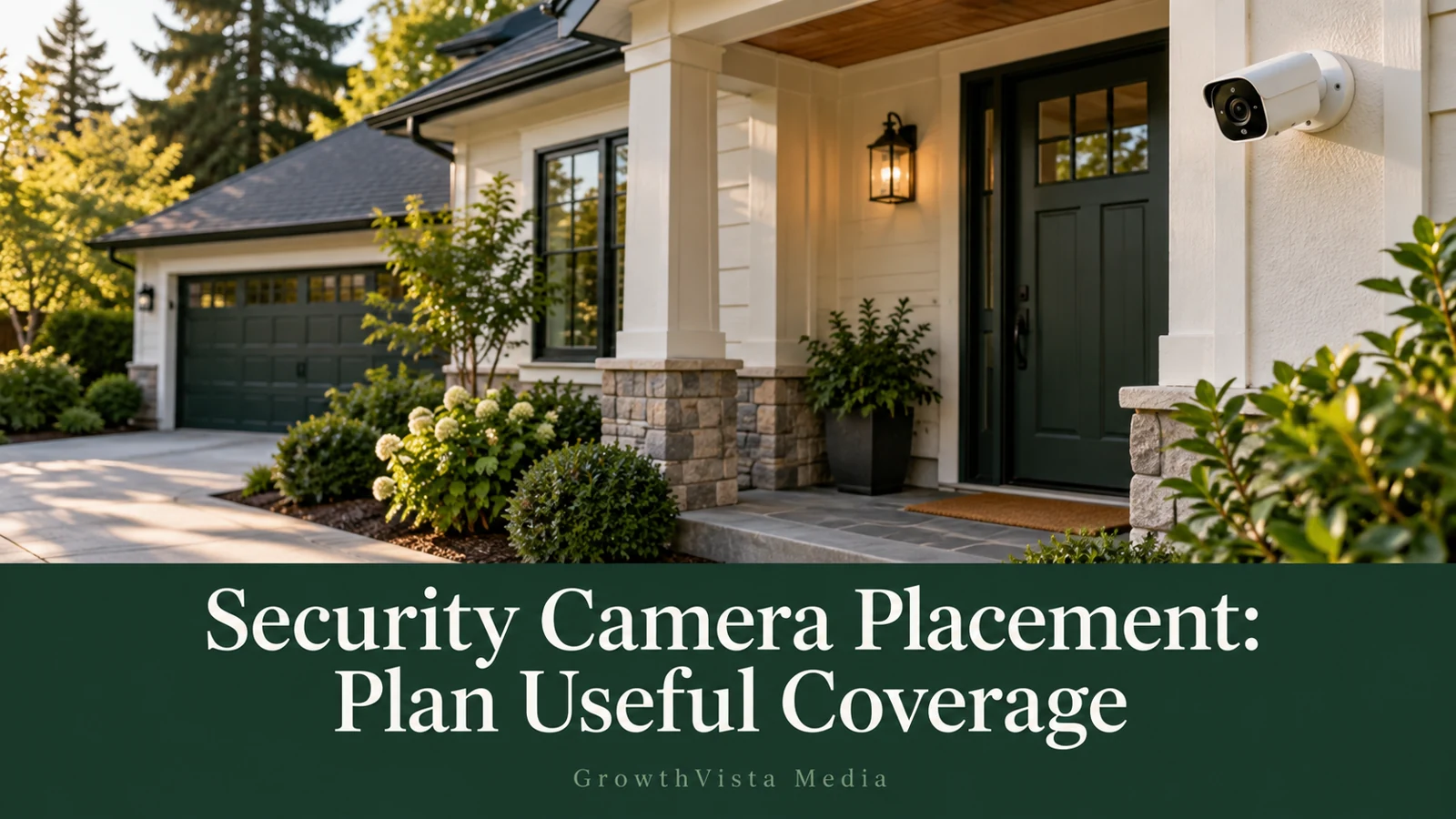
Security camera placement should make the important event visible at the right point, with workable lighting, connectivity, and service access. Start with the route someone normally takes, identify where useful detail is needed, and test that view before final mounting. A wider view is useful for an overview but does not automatically improve detail at a distant doorway.
There is no universal mounting height in this guide. Use the exact camera’s instructions and the property conditions. The coverage drawings are conceptual, not product measurements. Plan the view only for areas you are permitted to cover and obtain any required mounting permission before installation.
Your decision checklist
- Separate overview and close capture requirements.
- Sketch ordinary routes and obstructions.
- Check the recorded scene in daylight and darkness.
- Review privacy controls and maintenance access.
What is the first step in security camera placement?
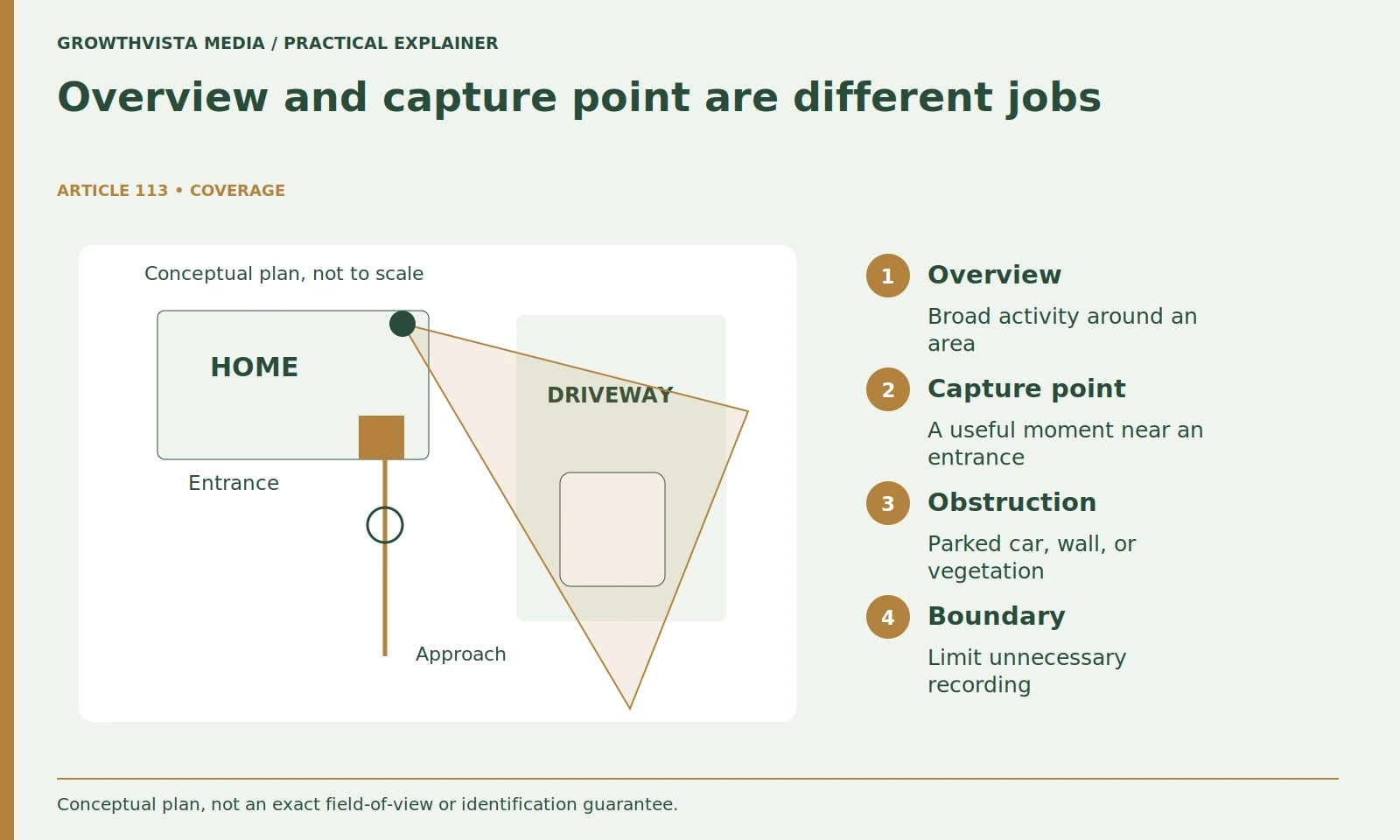
Define the question the recording needs to answer. Separate a broad overview from a narrower capture point. This prevents a camera bundle or an easy mounting corner from determining the plan before you know what activity needs to be visible.
For an illustrative house, you might use a driveway overview and an entrance view separately. Avoid starting with the number of cameras in a bundle. The coverage problem should determine the equipment, not the other way around.
Mark what you do not intend to record. This keeps privacy and usefulness in the same plan. A location that unnecessarily includes a neighbor's window may be a poor choice even if its Wi-Fi reception is excellent. Check relevant recording and mounting rules before proceeding.
How do you identify the right capture point?
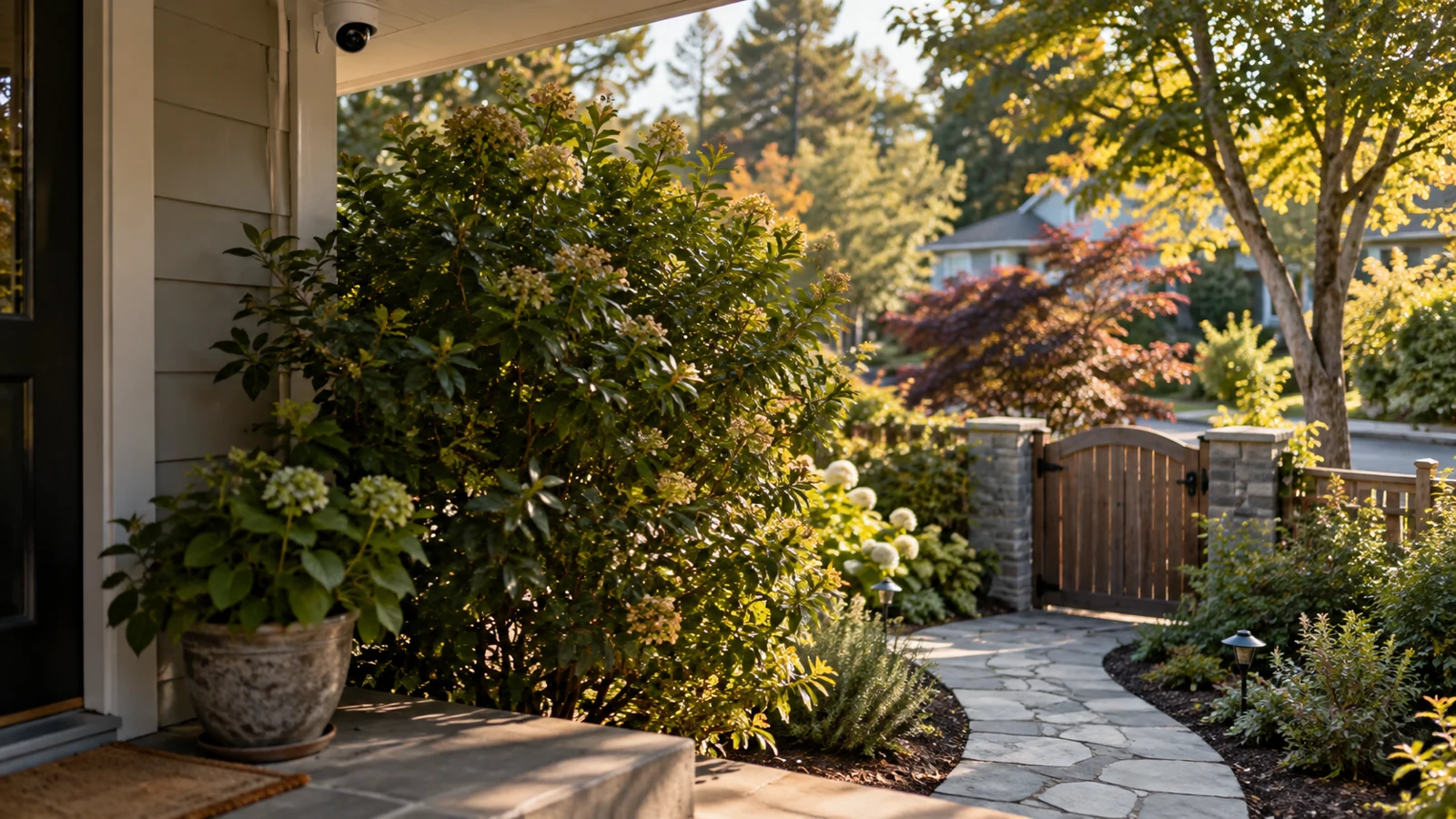
Walk the normal approach route and mark where the relevant event occurs. Include walls, parked vehicles, vegetation, and other obstructions in a simple sketch. Compare possible positions by the view they provide at that point, with the property in its ordinary condition.
Walk the route and note when walls or parked vehicles hide the activity. A clear view on an empty driveway can change when a car is parked in its usual place. Seasonal plants may also create an obstruction that does not exist during installation.
Use the sketch to compare two possible positions. Which one gives a clearer view at the capture point? Which can be mounted and serviced appropriately? This turns placement into a practical trade-off rather than an attempt to maximize the amount of property in one picture.
| Finding | What to investigate | How to check |
|---|---|---|
| Useful moment is small | Position and field of view | Repeat the route and inspect recording |
| Night glare | Light direction and nearby surfaces | Night walk-through |
| Late or missing clip | Detection and recording behavior | Compare live event with saved beginning |
| Unwanted area remains visible | Mask behavior or physical angle | Inspect playback and export |
Does a wider camera view always give better coverage?
It gives a broader view, but the important subject may occupy less of the image. Check whether the person or event remains useful in the recorded frame at the actual distance. Enlarging a saved image is not a substitute for capturing the needed detail.
Try the proposed view before final mounting when the product and installation method allow it safely. Review a recording at the intended display size and inspect the activity at the capture point. Digital zoom can enlarge what is already captured, but it does not create missing detail.
If the overview and capture point cannot both be useful, revise the plan. A second appropriately positioned view may solve a different problem, while a higher-resolution model in the same unsuitable position may not. Keep the decision tied to the test event.
Why should you inspect placement after dark?
Lighting can change the usefulness of a position that looked good during the day. Axis discusses how illumination and reflections affect video images. Apply that principle with a night walk-through and a moving test subject at the intended capture point, not just an empty preview. Axis: lighting for network video
Axis's network-video guidance treats illumination and scene conditions as part of camera design. For a household acceptance test, the practical consequence is straightforward: review moving activity after dark, not only a bright still frame in daylight.
If the camera uses infrared or a spotlight, inspect the result under the actual conditions. Avoid pointing through reflective glass or placing the lens where the surrounding surface dominates the night view. Make targeted adjustments and keep the before-and-after clips so you can see whether the important moment improved.
How do power and maintenance affect camera position?
A practical location supports the approved mount, power arrangement, network path, and safe service access. Evaluate those together before drilling or purchasing additional hardware. A strong view is less useful if charging, cleaning, or connection problems make it unreliable in ordinary use.
Confirm connectivity at the proposed location, not beside the router. Doors, exterior materials, and the installed position can change the connection. For a wired system, identify the route and suitable equipment before purchasing. Do not improvise electrical work or exposed connections.
Think about future service. Can you clean the lens, adjust the view, charge a battery, or inspect a connector using an appropriate access method? An installation that is difficult to maintain can become less useful as dirt or vegetation accumulates. Record the service route alongside the coverage plan.
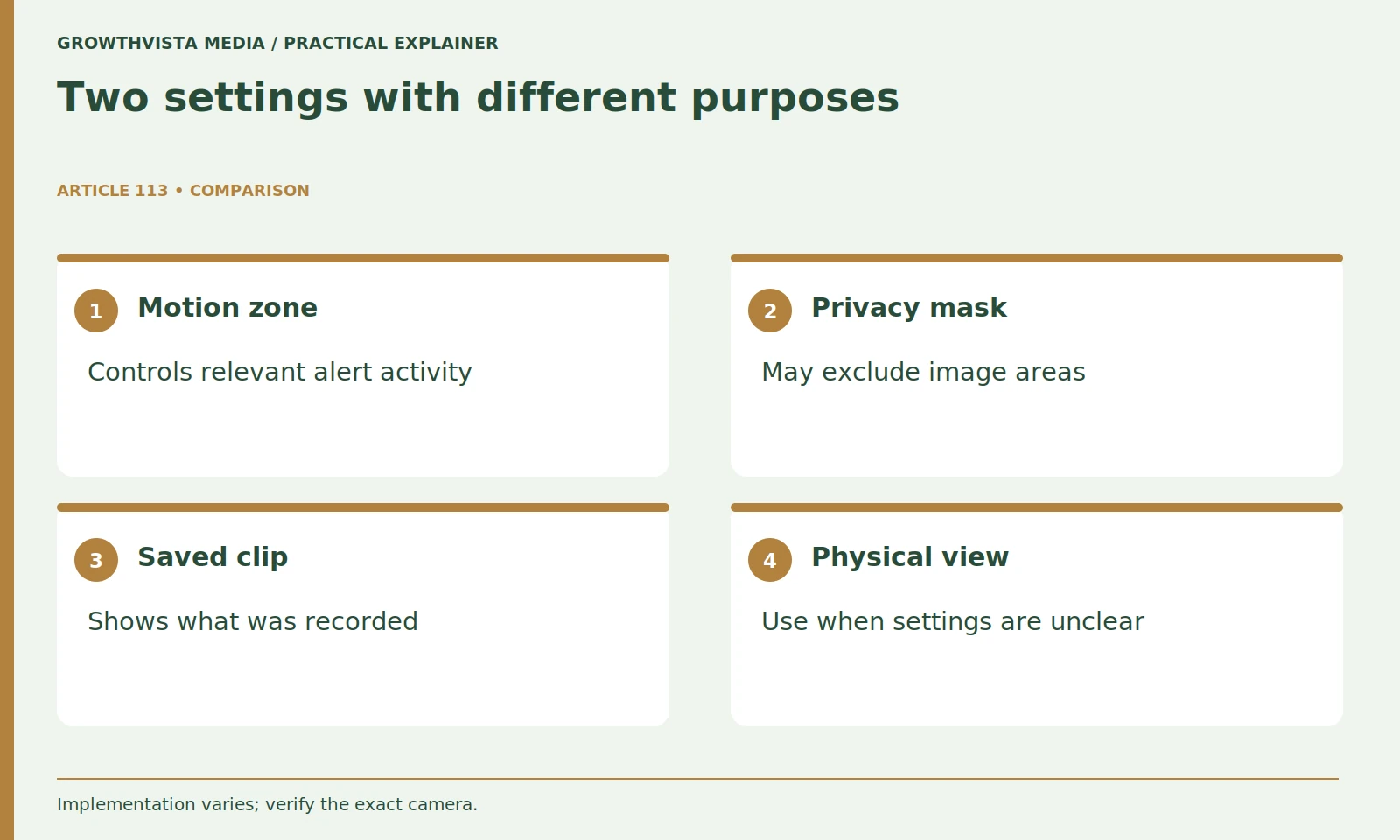
Are activity zones the same as privacy masks?
Do not assume they are. An activity zone may affect notifications or detection, while a privacy control can have a different effect on the image. Read the exact feature documentation and inspect both live view and recorded footage to confirm the intended result.
Do not assume an area is hidden simply because it no longer triggers notifications. Test what appears in live view, recording, and export. If you cannot establish the privacy behavior, change the physical view or ask the provider rather than relying on an unclear setting.
Use the smallest relevant view and access list. Share footage only with appropriate people through the supported controls. This is a coverage-planning guide, not a legal determination about recording another person's property or conversations.
How should you test a proposed camera position?
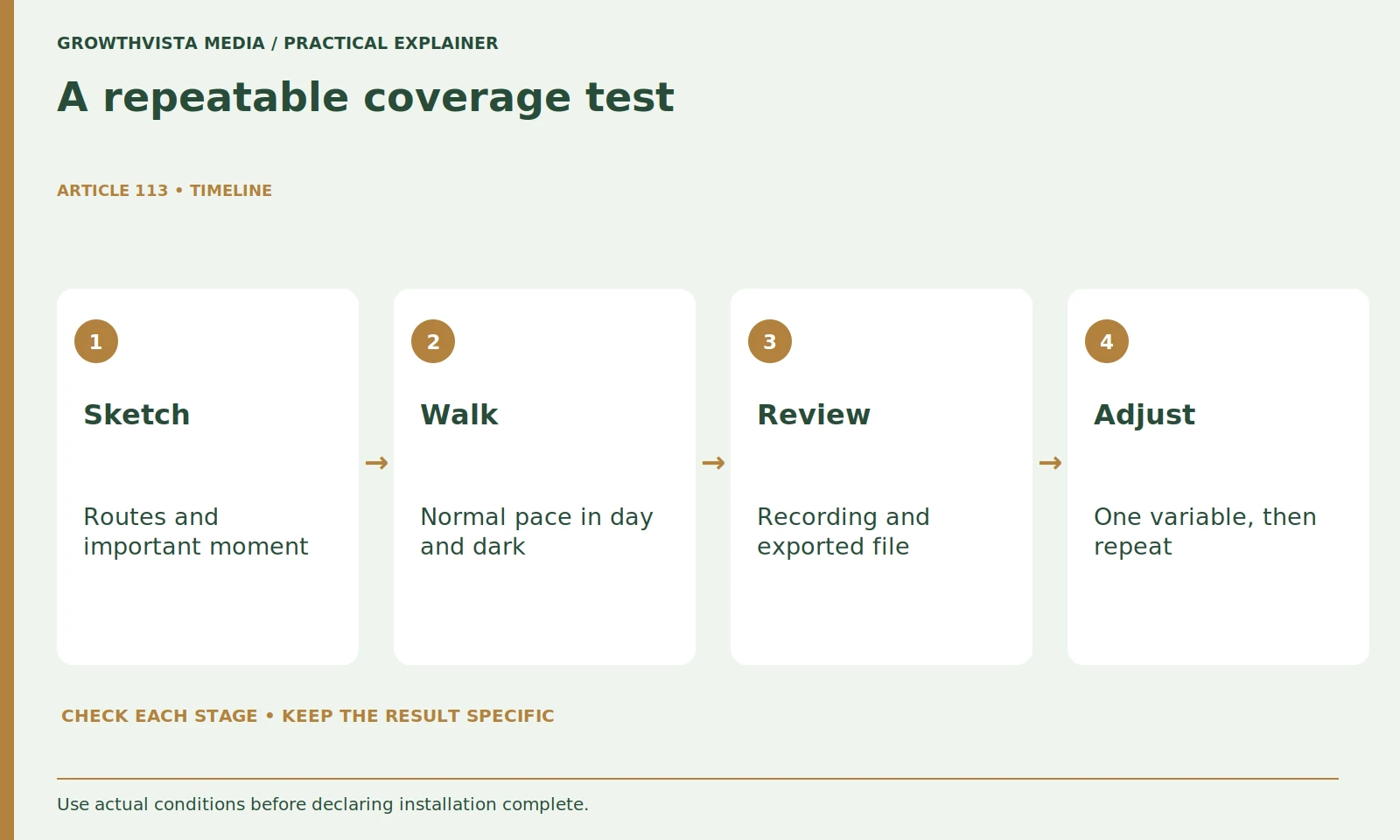
Run a normal route in daylight and after dark, then inspect the saved footage, alerts, and export. Record the task and conditions. A successful preview is only one observation; the acceptance check should cover the recording you expect to use later.
Review the saved clip rather than only the live feed. Note whether the beginning is missing, whether an obstruction hides the moment, and whether the exported file remains useful. Inspect timestamps and the camera label so you can identify the event later.
Record one finding per problem: too much sky, glare at the doorstep, missed beginning, or parked-car obstruction. Change one relevant variable and repeat the test. This avoids solving a connectivity issue by endlessly adjusting motion sensitivity or solving a view problem by changing the app's display settings.
When should you review camera placement again?
Recheck after changes that affect the scene or system, including plants, parked vehicles, lights, network equipment, and household access. Keep a simple placement record so a future adjustment has a clear purpose rather than becoming repeated trial and error.
Include lens cleaning and account review in your routine. Keep privacy decisions current when neighbors, tenants, or household arrangements change. An old shared account can matter as much as an old camera angle.
Separate overview and close capture requirements. Sketch ordinary routes and obstructions. Check the recorded scene in daylight and darkness. Review privacy controls and maintenance access. Keep verified findings separate from expectations, and revisit the decision after a material change.
Frequently asked questions
What is the best mounting height for a security camera?
There is no universal height in this guide. Use the model’s instructions and test the required capture point, lighting, service access, and property constraints.
Is the widest field of view always better?
No. It can help with an overview but make the important subject smaller in the frame. Test the actual event and distance.
Should I test placement only in daylight?
No. If night events matter, inspect saved moving activity after dark as well as during the day.
Can digital zoom repair poor placement?
It can enlarge captured information but does not create missing detail. Reassess the capture point and conditions first.
Do plants and parked cars matter?
Yes, include ordinary obstructions in the placement trial and review seasonal changes rather than testing only an empty scene.
Are privacy masks and detection zones identical?
Do not assume that. Read the precise feature behavior and inspect saved imagery as well as alerts.
Sources and further reading
Official documentation supports the technical guidance. Examples and worksheets are editorial methods, not hands-on product benchmarks. Reviewed October 2026.
Related guides
- Outdoor Security Cameras: 8 Checks Before You Buy
- Local vs Cloud Camera Storage: Costs and Trade-offs
For indoor models, see our indoor security-camera comparison.