Home Security Sensors: Build a Practical Starter Kit
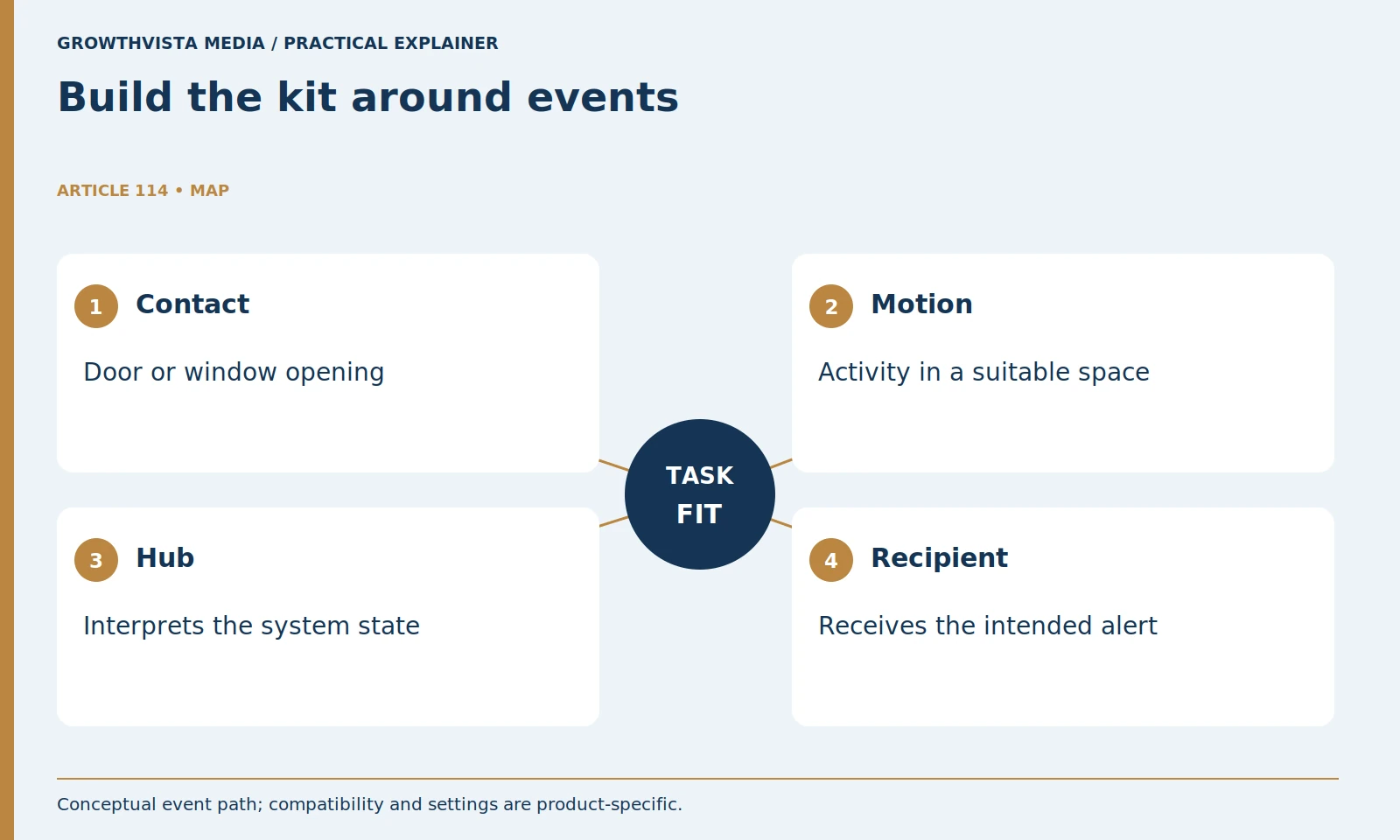
Home security sensors should be selected for the events you need to detect, then checked against the exact hub, mode, and notification path. Contact sensors commonly report a door or window opening; motion detectors cover activity in an area. They serve different jobs and should not be chosen solely by the number of devices in a bundle.
A useful starter kit has understandable coverage and a verified route from each event to its intended recipient. This guide explains a small planning worksheet and a safe acceptance process. It does not prescribe a universal sensor count or assume that a smart-home protocol label guarantees alarm-system compatibility.
Your decision checklist
- Match each sensor to a defined event.
- Verify exact hub and regional compatibility.
- Plan normal entry and household modes.
- Test the supported signal path and record the result.
How do you plan home security sensors for a starter kit?
List entrances and relevant spaces, then assign a specific event to each planned sensor. Start with coverage needs rather than bundle size. Include normal entry, departure, and the person expected to receive the event so the kit fits the household’s actual routine.
For an illustrative apartment, the first plan might include a front-door contact, a balcony-door contact where permitted, and one motion detector in a suitable circulation space. A different property may need a different arrangement. The example is a planning exercise, not a recommended minimum for every home.
Check permissions before attaching equipment to a rented door, wall, or shared entrance. Identify where the hub and keypad can be reached and maintained. A useful starter kit has a reason for each device and a documented route from its event to the person expected to respond.
What does a door or window contact sensor tell you?
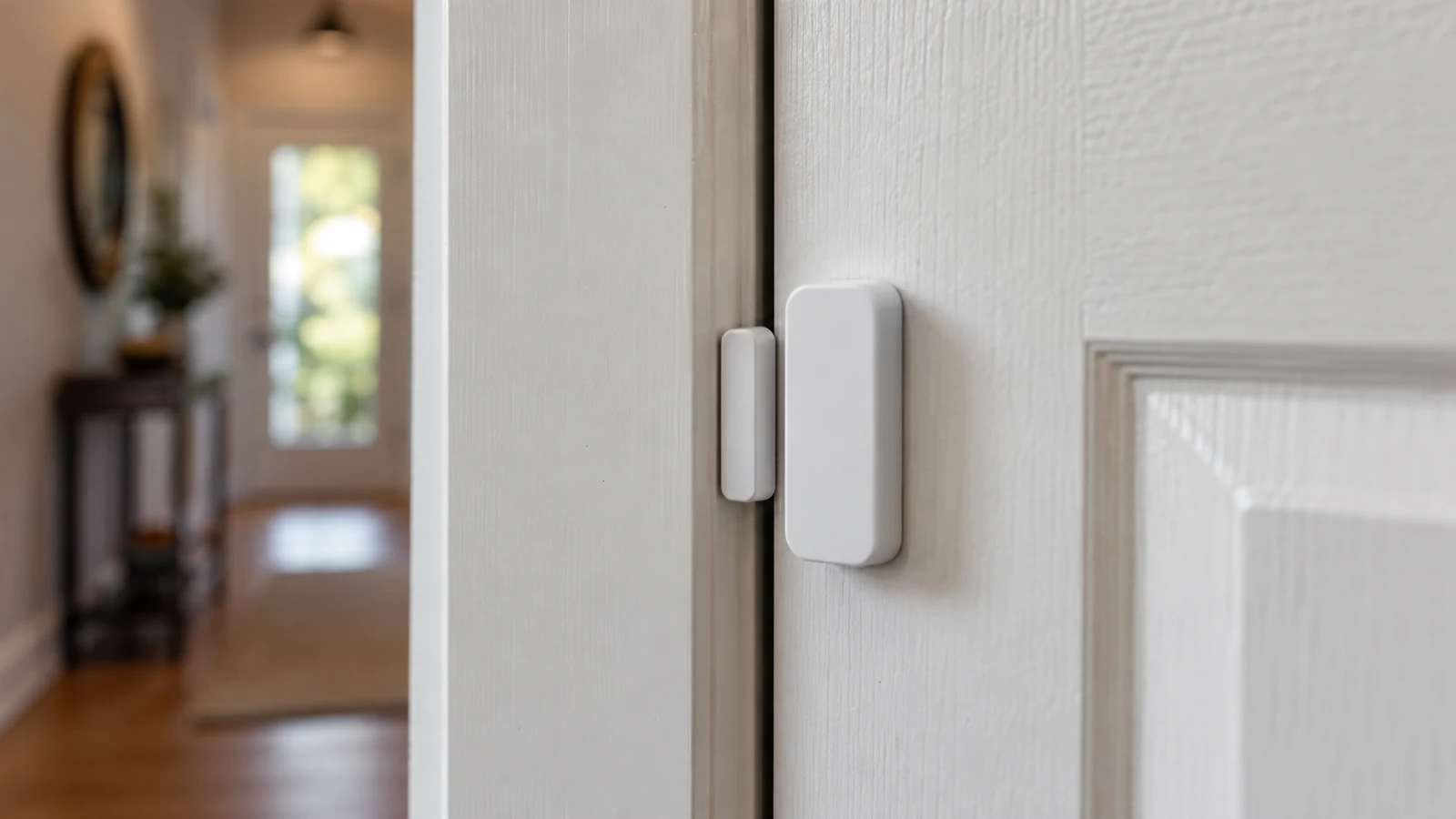
A typical contact reports the state of its paired parts, often indicating whether the entry is open or closed. It does not identify the person or their reason for opening it. Follow the exact alignment and mounting instructions and verify the status on the actual door.
Check the actual door movement. A thick frame, sliding mechanism, or unusual trim can make a standard illustration in the manual difficult to reproduce. Use the manufacturer's approved mounting approach and confirm that opening and closing produce the intended status in the app or keypad.
Give the sensor a recognizable name such as Side Door rather than Sensor 3. Review how the system treats that contact in each household mode. A correctly installed device can still be ineffective if the mode you use excludes it or gives it an unexpected delay.
| Event | Possible device | Important check |
|---|---|---|
| Door opens | Compatible contact | Alignment and mode behavior |
| Movement in an empty area | Compatible motion detector | Placement and household conditions |
| Someone returns home | Entry sensor and access method | Supported disarm procedure |
| Sensor unavailable | System status feature | Visible warning and diagnosis path |
How should motion sensors be placed around pets?
Use the model’s placement instructions and test the room’s ordinary activity. Ring’s guidance treats pets and room conditions as placement considerations. A pet-related label is not a universal promise that every animal, furniture layout, and setting will avoid unwanted detection. Ring: placing contact sensors and motion detectors
Do not interpret a pet-related marketing label as a promise that every animal and room arrangement will be ignored. Furniture height, movement routes, and settings can affect the result. Check the manual and run the approved test with the household conditions that normally exist.
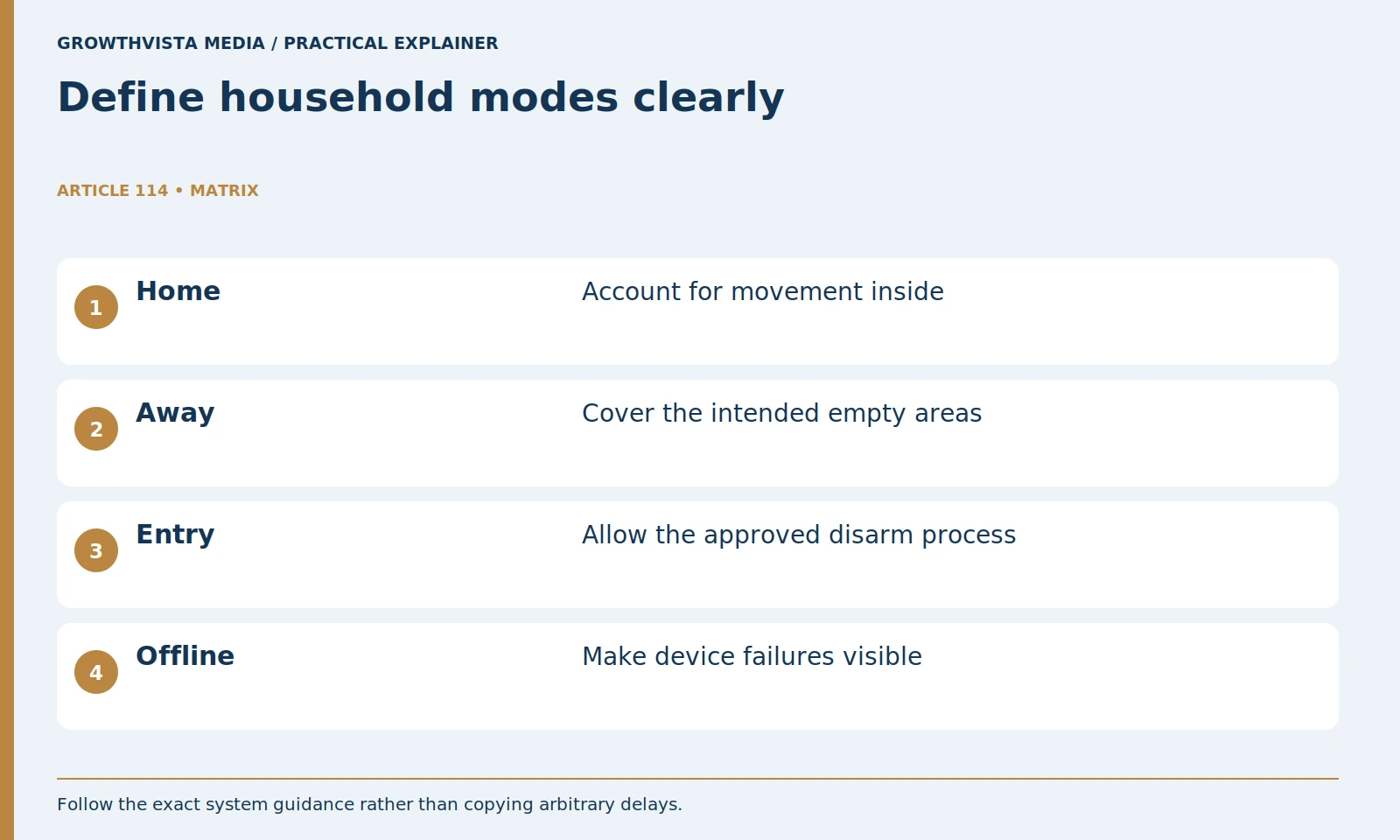
Think about Home and Away modes separately. A hallway used at night may need different treatment from an empty room while everyone is out. Choose the arrangement that is understandable to the household rather than one that requires people to remember several hidden exceptions.
Will any smart sensor work with an alarm hub?
No compatibility should be assumed from appearance or a shared protocol name alone. Confirm the exact sensor, hub generation, region, and intended alarm function. A convenience integration that announces an event may not be the primary alarm or monitoring path.
Separate convenience integrations from the primary alarm path. A voice assistant announcing an open door can be useful, but determine what happens when that integration is unavailable. Document which device decides the alarm state and which service sends the notification.
Before expanding the kit, pair one representative sensor and test it end to end. Confirm status, mode behavior, notification, and any monitoring response using the supported procedure. Buying ten compatible-looking accessories first can make a small misunderstanding expensive to fix.
How should Home and Away modes be configured?
Describe the intended household behavior first, then set supported modes accordingly. Decide which entries and movement areas should be active and how authorized people enter or leave. Check ordinary use so hidden exceptions or repeated accidental alarms do not become the routine.
Include children, guests, cleaners, or other authorized visitors in the plan where relevant. Use supported individual access methods and remove them when no longer needed. Keep emergency contact and account recovery information available to the appropriate people.
Walk through a normal departure and return. A mode that causes repeated accidental alarms is a workflow problem to resolve, not something to work around indefinitely. The household should know how to recognize system status and what to do when a sensor or connection is offline.
How do you test sensors without triggering an emergency?
Use the provider’s documented test procedure and understand its scope. SimpliSafe distinguishes checks of device communication from its monitoring test signal. Do not assume test mode suppresses every possible emergency action; consult the exact instructions before testing monitored functions. SimpliSafe: testing your system
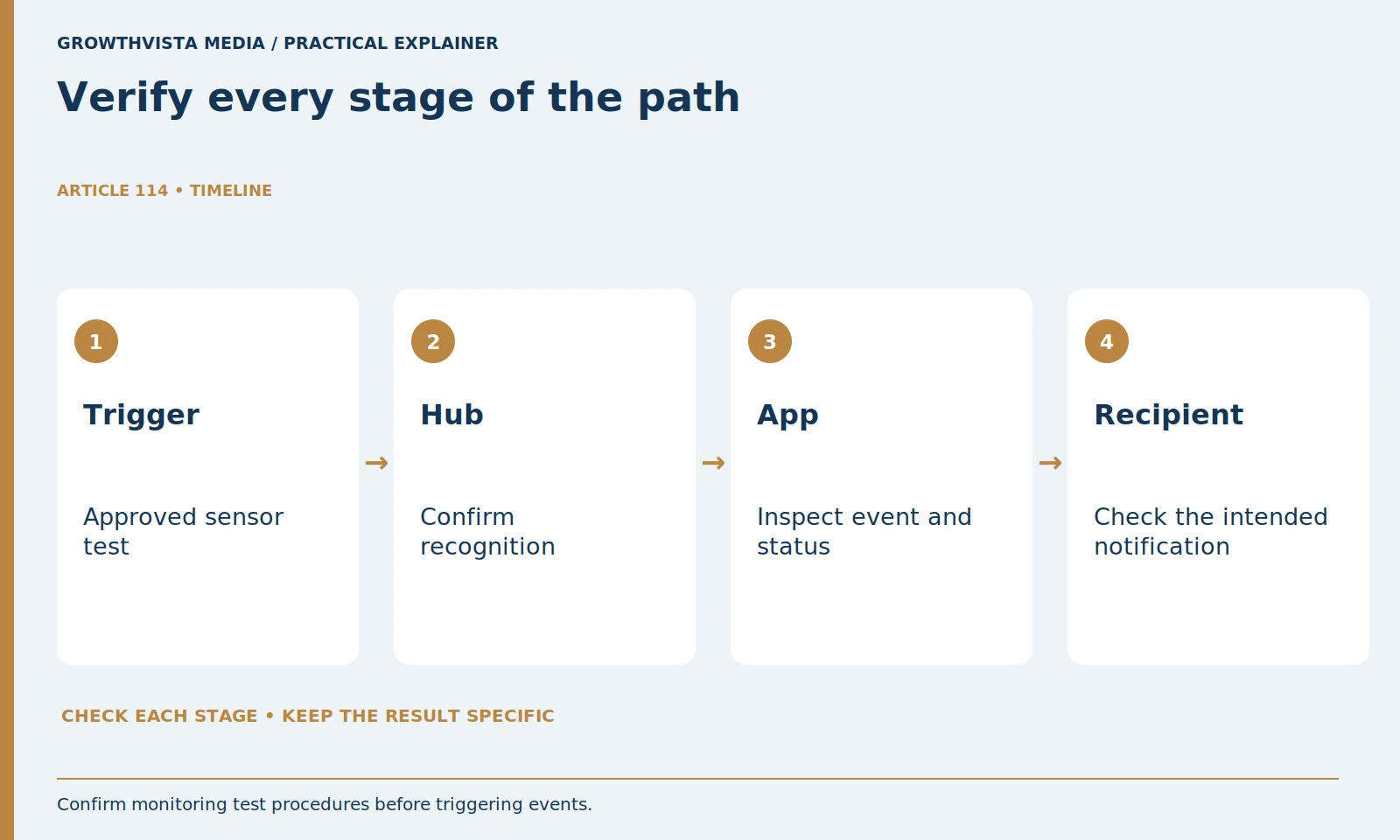
SimpliSafe's system-testing documentation illustrates the distinction between sensor checks and communication with a monitoring service. Keep your own test record specific: device triggered, hub confirmed, app event appeared, and intended recipient notified. Do not deliberately trigger smoke, carbon-monoxide, panic, or other emergency functions as a casual experiment.
If a stage fails, note where the path stops. Check placement, battery status, compatibility, and configuration through the manual or support channel. Avoid repeatedly factory-resetting the entire system when one sensor needs diagnosis.
What should sensor ownership costs include?
Include the required hub, extra compatible devices, mounting items, batteries, and any plan needed for the intended alert or response. Verify replacement parts and current fees. Expansion is more useful when it closes a documented coverage gap than when it simply adds devices.
Keep a device inventory with location, model, battery type, and last successful check. Review it after moving furniture, changing doors, or adding household access. Replace batteries and maintain devices according to the product instructions rather than a guessed universal interval.
Expand after you understand the first kit's behavior. The next device should close a documented coverage gap. A manageable system with verified alerts is more useful than a large bundle whose modes and dependencies nobody can explain.
What belongs in a sensor coverage worksheet?
Use one row per event with location, device, mode, hub dependency, recipient, and observed test result. Keep expectations separate from verified behavior. This record helps another authorized household member understand the system and makes later expansion easier to evaluate.
Match each sensor to a defined event. Verify exact hub and regional compatibility. Plan normal entry and household modes. Test the supported signal path and record the result. Keep verified findings separate from expectations, and revisit the decision after a material change.
Frequently asked questions
Are contact sensors and motion sensors interchangeable?
No. A contact typically reports the state of a particular entry, while a motion detector covers activity in an area. Select by the event you need.
Does a shared smart-home protocol prove alarm compatibility?
No. Verify the exact model, hub generation, region, and required alarm function through current product documentation.
How many sensors does every home need?
This guide does not prescribe a universal count. Plan the relevant events, normal access, household modes, and verified signal paths.
Will a pet label prevent every unwanted alarm?
Do not treat it as a guarantee. Follow model-specific placement guidance and test the room’s ordinary animal and furniture conditions.
Does test mode suppress all emergency actions?
Do not assume it does. Read the provider’s exact scope and coordinate monitored tests before triggering any monitored function.
When should I expand the starter kit?
Expand when a new device closes an identified coverage gap and its compatibility, mode behavior, and response path can be verified.
Sources and further reading
Official documentation supports the technical guidance. Examples and worksheets are editorial methods, not hands-on product benchmarks. Reviewed October 2026.
- Ring: placing contact sensors and motion detectors
- SimpliSafe: testing your system
- NIST: consumer IoT cybersecurity baseline