AI Coding Agents vs Autocomplete: Choose the Right Help

Editorial scope: Researched practical guide. Examples are illustrative, not hands-on product benchmarks. Reviewed October 2026.
AI coding agents vs autocomplete is a comparison of working styles, not simply newer versus older technology. Autocomplete offers suggestions while you write. An agent can attempt a broader task across files and tools. Both can be useful, but the responsibility for the final change remains with the developer and reviewer.
This guide explains where the modes differ, how to choose one for a task, and how to combine them without losing control of the repository. The scenarios are illustrative. They are not timed benchmarks, and they do not imply that every product exposes the same capabilities or permissions.
Understand AI coding agents vs autocomplete by scope
Autocomplete generally works near the code you are editing. You inspect the suggestion, accept all or part of it, or continue typing. GitHub's documentation describes inline suggestions as proposed completions and edits, which illustrates this developer-led interaction.
Agent workflows start from a broader instruction. Depending on the product and permissions, the agent may inspect files, plan edits, invoke tools, and produce a multi-file change. GitHub describes a cloud agent that can work on assigned issues and open pull requests. Other tools use different execution environments, so inspect the actual mode you intend to use.
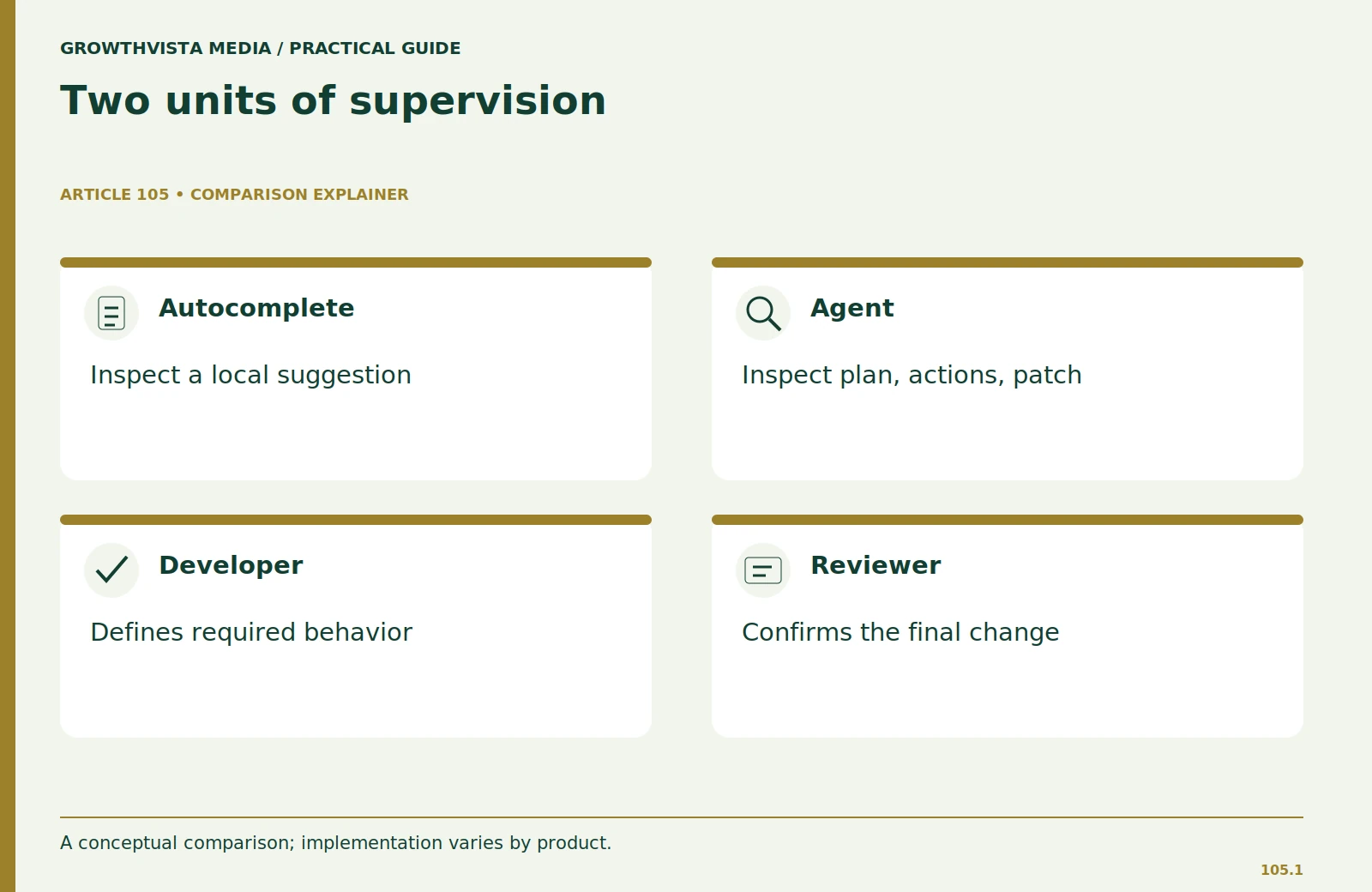
The important distinction is the unit of supervision. With completion, you often review a small suggestion immediately. With an agent, you review its plan, actions, and resulting patch. That shift affects how you define the task, grant access, and judge whether the work is complete.
Use autocomplete for a well-understood local task
Imagine implementing a small function that normalizes optional labels in an internal report. You already know the input type, output format, and required behavior. Autocomplete can help express the code while you remain in the local editing loop.
Keep the specification beside the code: trim surrounding whitespace, preserve case, reject non-string inputs, and return an empty string for the documented empty case. Inspect each suggestion against those rules. A short function can still mishandle null values or silently convert unexpected data.
This mode is attractive when the developer understands the design and needs assistance with repetitive expression. It is less suited to discovering an unknown cross-file requirement. If the helper's behavior depends on a validation rule elsewhere, inspect that rule rather than letting a local suggestion infer it.
| Criterion | Autocomplete-style work | Agent-style work |
|---|---|---|
| Typical unit | Local suggestion | Bounded multi-file task |
| Input | Nearby context and developer direction | Explicit task and repository context |
| Review | Frequent small inspections | Plan, actions, diff, validation |
| Good reason to use | Express an understood local change | Coordinate related changes with checks |
Use an agent for a bounded cross-file change
Now imagine adding an optional column to a CSV import workflow. The work may touch a parser, validation messages, documentation, and tests. An agent can potentially coordinate those edits, provided the task names the behavior and boundaries clearly.
A useful assignment states the supported inputs, the output schema, the existing compatibility requirement, and the files or areas that should remain untouched. Ask for a plan before changes. Require it to identify the relevant tests and explain what it will do if it cannot run them.
Keep the task smaller than “improve the importer.” A vague objective invites unrelated refactoring. Review the actual diff, not only the summary. If the agent expands scope because it found another issue, assess that issue separately rather than folding every discovery into one patch.

Compare context needs and failure patterns
Autocomplete can be useful when nearby code and your ongoing decisions provide enough context. An agent needs a more explicit task brief because it may make several choices before you inspect the result. Repository instructions, known constraints, and acceptance criteria matter more as the scope grows.
Both modes can produce plausible but incorrect code. A local suggestion might call an API that does not exist in your installed version. An agent might correctly implement a new feature while accidentally changing existing behavior elsewhere. The first failure can be small and obvious; the second can require a careful diff and regression check.
Neither mode should be judged by whether its explanation sounds confident. Ask what evidence supports completion. Did the relevant tests run? Were files outside the assignment changed? Which behavior remains unverified? A useful status report makes those limits visible.
Set permissions according to the work
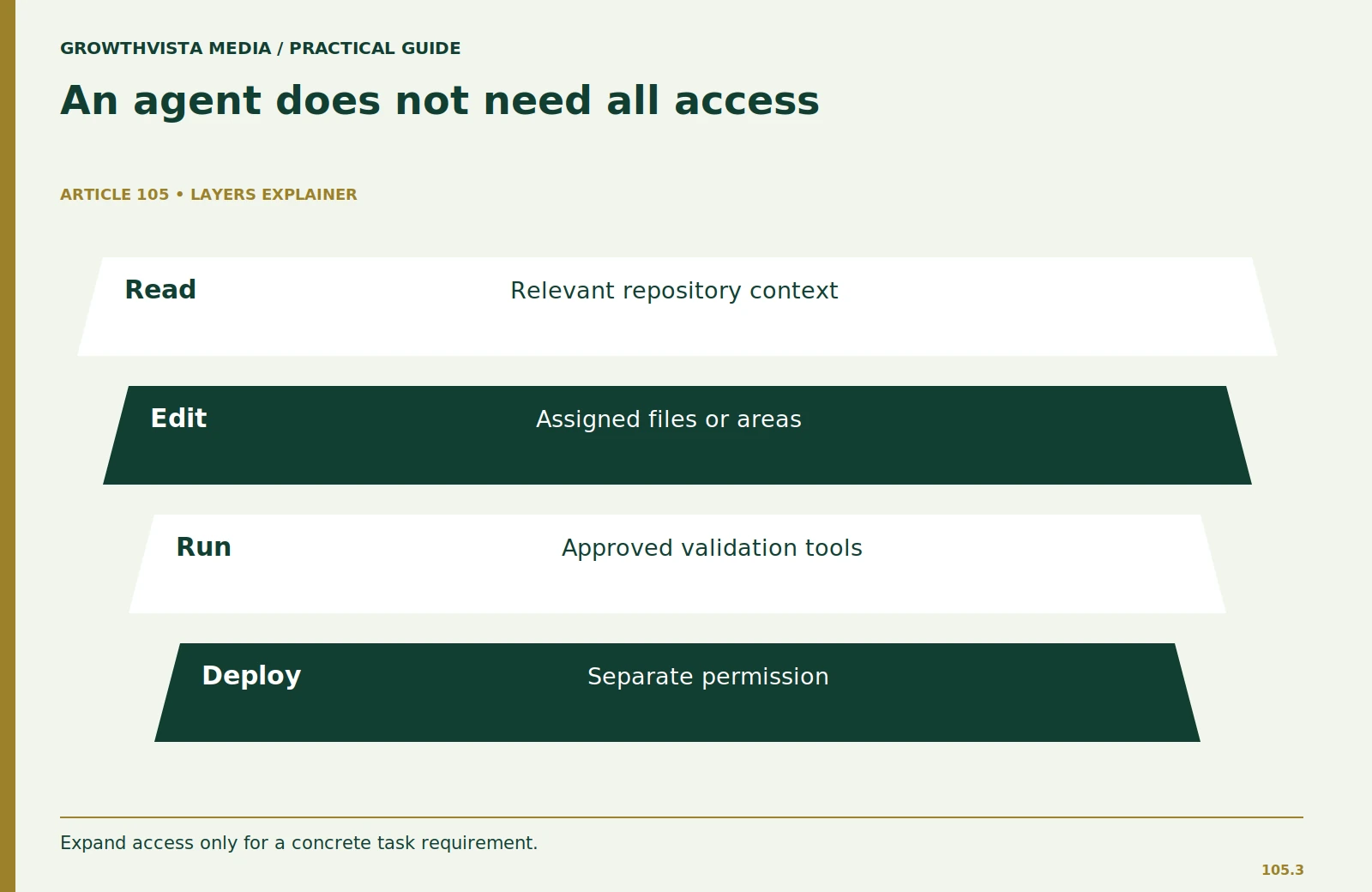
A code suggestion does not necessarily require command execution. A repository agent may need a test runner or build tool, but it does not follow that it needs production credentials or deployment access. Grant capabilities according to the bounded assignment.
Use an isolated branch or checkout and inspect commands involving network access, package installation, migrations, or remote writes. Supply sanitized data for tests. Do not let the convenience of an all-access environment determine the scope of the task.
If the tool asks to expand access, require a concrete reason. Sometimes the right answer is to run a command yourself or provide a safe output. A blocked action can be a useful boundary rather than an obstacle that must always be removed.
Choose based on total review effort
Compare the complete task, including preparation and review. Autocomplete may involve many small accept-or-reject decisions. An agent may require a detailed brief and a larger final review. The faster generation mode can still have the larger overall cost.
For a local helper, record how long you spend accepting suggestions, fixing errors, and validating behavior. For the importer change, record briefing, plan review, diff review, corrections, and tests. Do not compare those tasks as if they were equivalent benchmarks; compare each with its own manual baseline.
If an agent creates a patch too large to explain comfortably, narrow the assignment and try again. If autocomplete repeatedly needs context you cannot easily supply at the cursor, move to a more explicit chat or task workflow. Changing modes should solve a defined problem.
Combine the modes in a controlled handoff
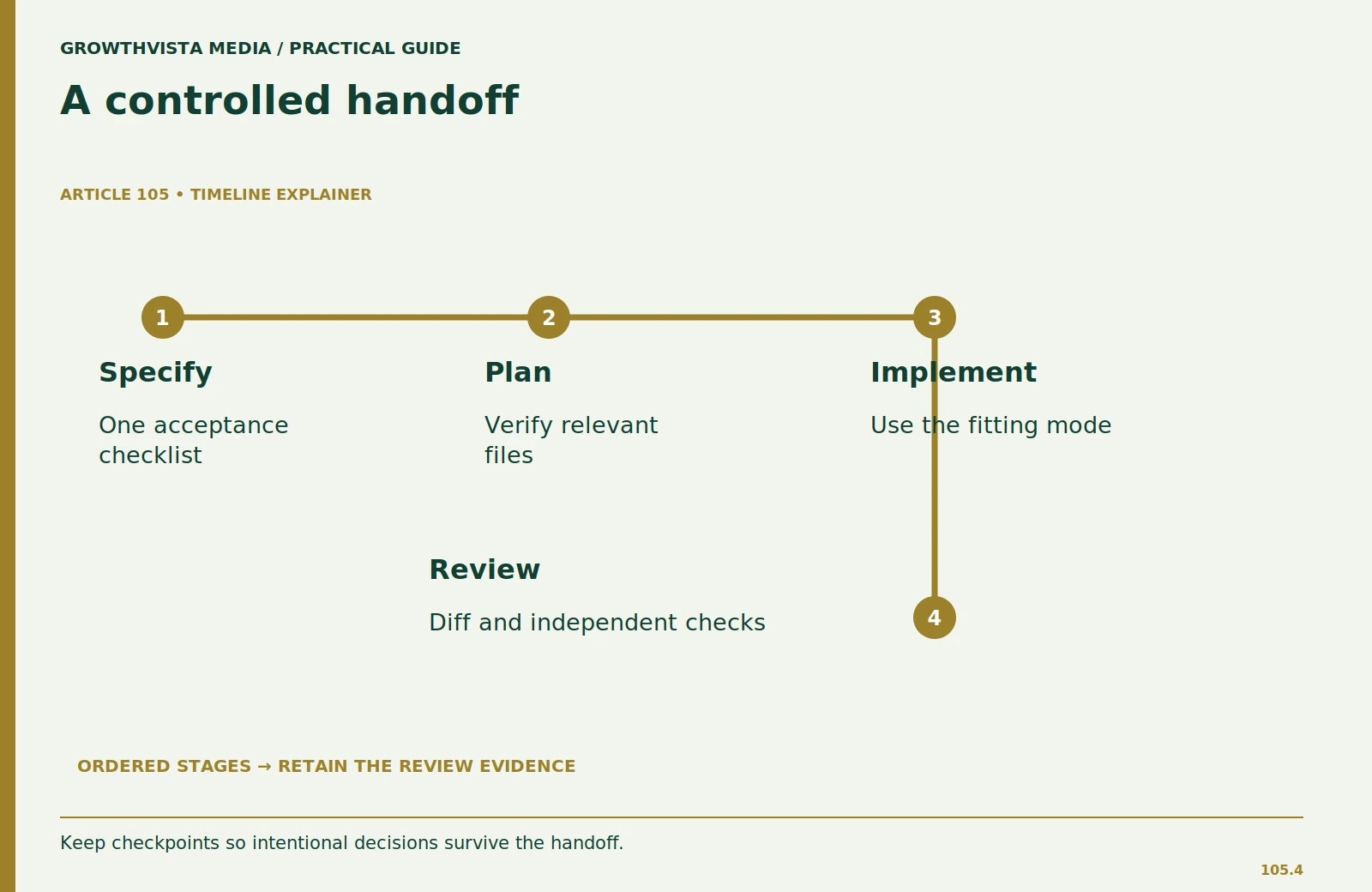
You can use an agent to map the relevant files and propose a plan, then implement a critical detail yourself with local assistance. You can also use autocomplete for the main code and an agent to suggest tests or documentation. These are workflow options, not promises about tool compatibility.
At each handoff, state what has already been decided and what is still open. Avoid asking a second tool to “fix everything” because it may undo intentional choices. Keep commits or checkpoints that make the change easy to compare and reverse.
Preserve a single source of acceptance criteria. Otherwise, the completion workflow may optimize for one interpretation while the agent follows another. The final reviewer should be able to trace the patch back to the original behavior requirements.
A practical selection rule
Choose completion when you understand the local design and want suggestions you can inspect immediately. Choose an agent when the task spans files, has clear acceptance criteria, and can run in a bounded environment with reviewable outputs. Choose manual work when neither mode reduces the total effort or when you cannot evaluate the generated result.
Do not force a permanent winner. A developer may use several modes during a week while applying the same standard: understandable changes, appropriate permissions, and evidence that the requested behavior works. The mode is a tool choice; the engineering responsibility does not change.
Frequently asked questions
Does an agent replace code review?
No. Review the plan, actions, actual diff, and validation results. An agent summary is not independent evidence that the change is correct.
Is autocomplete always safer?
Smaller suggestions can be easier to inspect, but they can still contain bugs, insecure patterns, or version mismatches. Scope and review determine the risk.
Can I switch modes during a task?
Yes. Keep acceptance criteria and checkpoints so the handoff does not change the intended behavior.
What should I use for an unfamiliar codebase?
Begin by mapping and explaining the relevant files. Verify that understanding before delegating changes, regardless of the mode.
Sources and further reading
Official documentation supports the provider-specific and publishing guidance above. Workflows, examples, and rubrics are editorial methods, not vendor performance findings.
Related guides
Continue with these related practical guides.