Free vs Paid Tax Software: 6 Costs and Limits to Compare

Free vs paid tax software should be compared using your return requirements, not the largest word in an advertisement. A free option can be suitable when you qualify and it supports the needed forms. A paid option can still have separate state or help charges. Identify the exact filing route and total cost before entering sensitive information.
Distinguish an official program from a commercial tier
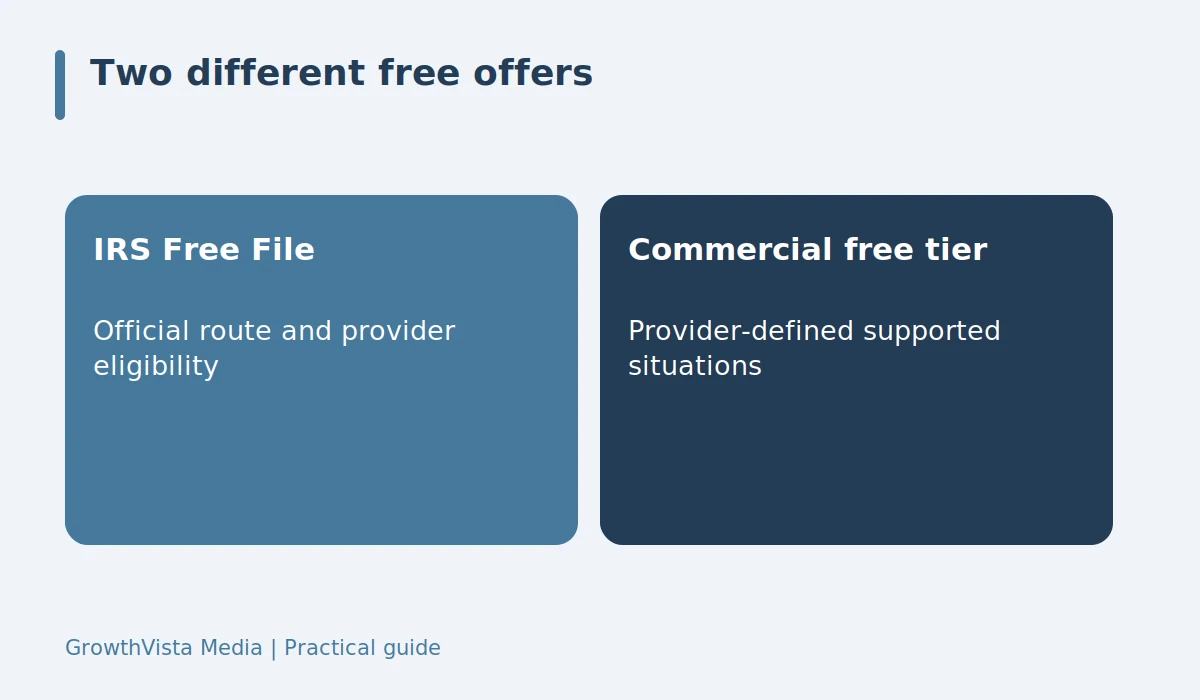
IRS Free File and a provider’s ordinary free product are not necessarily the same offer. Eligibility can differ, and the entry route matters. Start from official guidance when evaluating the IRS program. Read the tax-year and provider conditions. A familiar company name does not mean every page on its website offers the same free filing arrangement.

Free vs paid tax software on form support
Check whether wages, self-employment, investment sales, rental income, and other relevant situations are supported in the tier. Do not wait until the final review to discover an upgrade requirement. Form support is a practical constraint, not a judgment about how complicated your life is. Compare the return you actually need to submit.
The full-price comparison
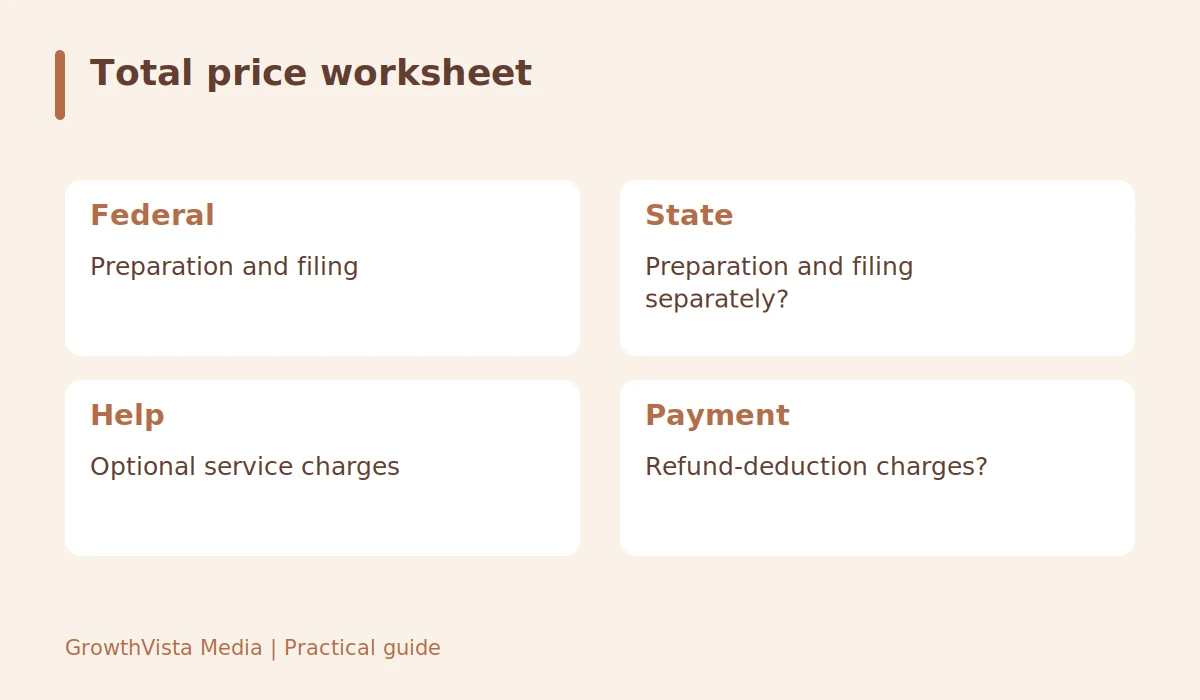
Consider a fictional choice where one route includes federal filing but charges separately for the state return, while another includes both but adds a help fee. The reader totals only the services actually needed and verifies form support. No invented prices are treated as current market offers. The exercise prevents a decision based on an incomplete starting price and keeps optional services separate.
| Item | Detail |
|---|---|
| Federal | Preparation and filing |
| State | Preparation and filing separately? |
| Help | Optional service charges |
| Payment | Refund-deduction charges? |
Add the state and checkout charges
State preparation and state e-filing may be priced separately from federal filing. Optional help and refund-related payment products can add costs. Create a written total before choosing. A paid federal package is not automatically all-inclusive, and a free federal option is not automatically free for every state situation.
Evaluate help by scope
A basic product may provide technical support but not individual tax advice. A paid tier may offer a review or additional help under specific conditions. Ask what is included and whether support covers a later tax notice. Avoid paying for a label without reading the service description. If uncertainty is substantial, compare professional preparation separately from a software upgrade.

Keep control of your records
Confirm how to download the return, schedules, and e-file acknowledgment. Check whether prior-year access or data transfer depends on continued use. Read privacy and account-security settings before providing documents. An easy import feature is useful, but the finished return still needs review. Preserve the records in a secure location independent of the provider account.
Questions readers ask
Can a free option handle my return?
Possibly. Check current eligibility and supported forms for the exact program and provider. The word free alone does not answer the question.
Will paid software create a larger refund?
The correct tax result depends on facts and applicable rules. Paying more does not by itself establish a larger lawful refund.
What if an upgrade appears late?
Review which requirement triggered it and the total cost. Check whether another legitimate filing route supports the same return before proceeding.
Your next steps
- Identify the exact free or paid filing route.
- Verify eligibility and form support.
- Total federal, state, and optional charges.
- Compare assistance by actual service scope.
- Save independent copies of final records.
Related guides: Tax Software: Choose Around Your Forms and Filing Needs · Filing Your Taxes: Essential Documents to Gather · Financial Goals: A Practical Annual Review Checklist
Further reading
Editorial update: October 12, 2026. U.S.-focused general education, not individual investment, tax, or legal advice. Examples are hypothetical, not current product offers.