Tax Software: Choose Around Your Forms and Filing Needs

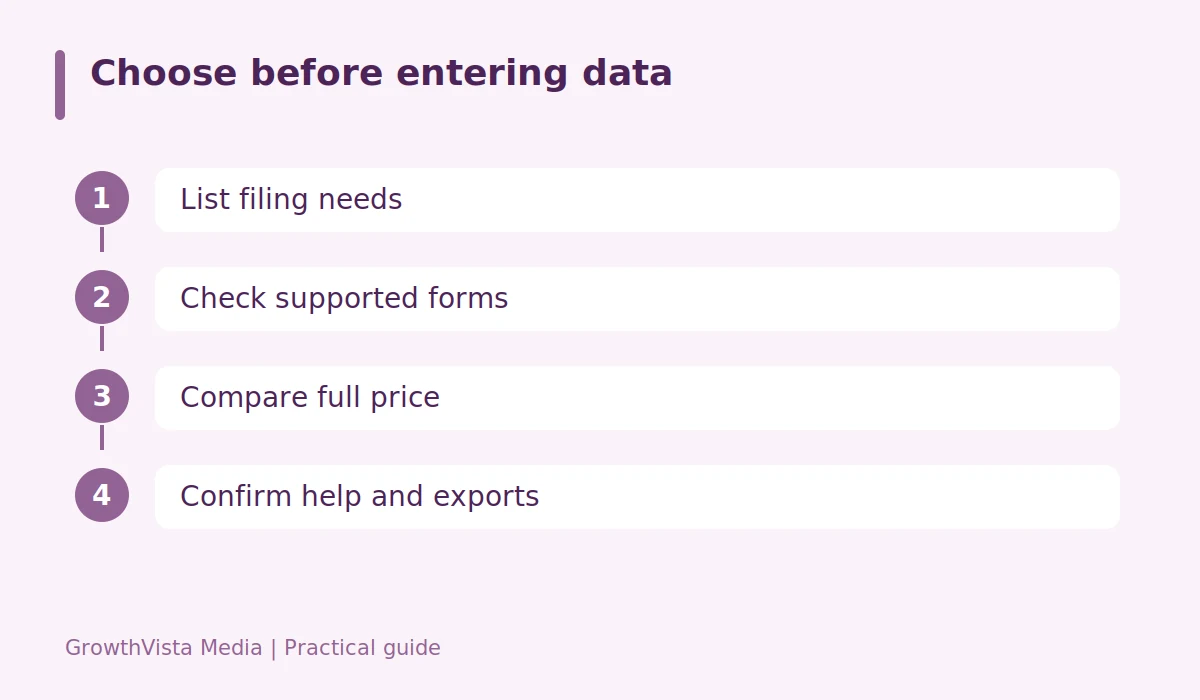
Tax software should support your actual return before it promises a low starting price. A simple wage return, self-employment income, rental activity, and investment sales can require different features. Make a list of forms and states first. Then compare the full checkout cost and the help available when a question goes beyond entering a number.
List the situations the return must cover
Gather income forms and note self-employment, investment sales, rental property, dependents, and other relevant situations. Include the states in which filing may be required. Check the product’s supported forms rather than a broad claim such as handles complex taxes. A provider may place particular forms or schedules in a paid tier.

Tax software price needs a complete quote
Compare federal preparation, state preparation, state filing, help upgrades, and optional products. A free starting tier can become paid when a particular form is added. Read the price before investing substantial time in the return. Avoid choosing to deduct a software fee from a refund without understanding any additional charge for that payment arrangement.
Check legitimate free-filing routes
The IRS offers Free File options with eligibility and provider conditions that should be checked for the relevant filing year. State filing may have different rules or costs. Start from official IRS information rather than assume a commercial homepage’s free offer is the same program. Keep the tax year clear: the year you submit a return is not always the year of the income being reported.
Know what the help service provides
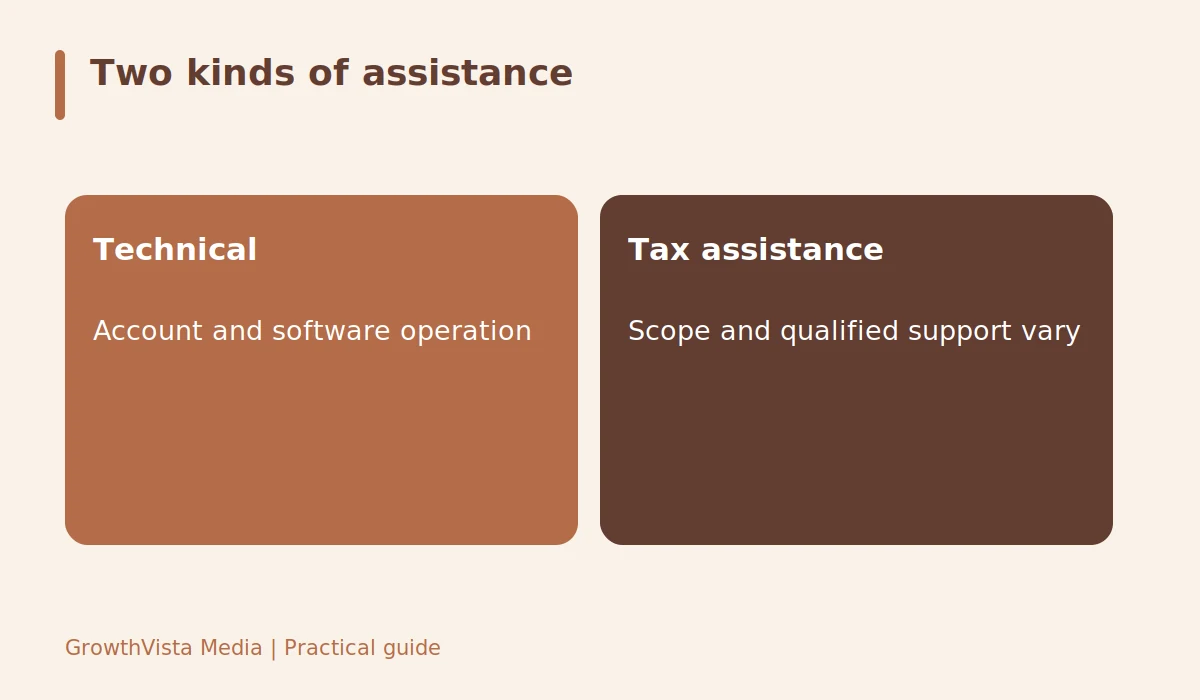
A help button can mean technical support, tax-question assistance, or a professional preparing or reviewing the return. Ask which service is included, who provides it, and what documentation you must supply. Audit support or protection products can have limitations. Read the scope instead of assuming the software provider will handle every future tax notice.
Keep a usable copy after filing
Check export options for the completed return, supporting schedules, and filing acknowledgments. Store documents securely and verify whether access remains available after a subscription or account change. Review the return for basic accuracy before submission. Software can organize entries, but it does not make incorrect source information correct or replace individual advice for an uncertain tax position.
A needs-first shortlist
A fictional freelancer lists wage income, freelance income and expenses, one investment form, and two possible state returns. The reader asks each provider about those exact requirements and writes down the complete price. A cheaper advertised federal tier is rejected if it cannot support the needed schedule. This is a selection method, not an endorsement or a current provider-price comparison.
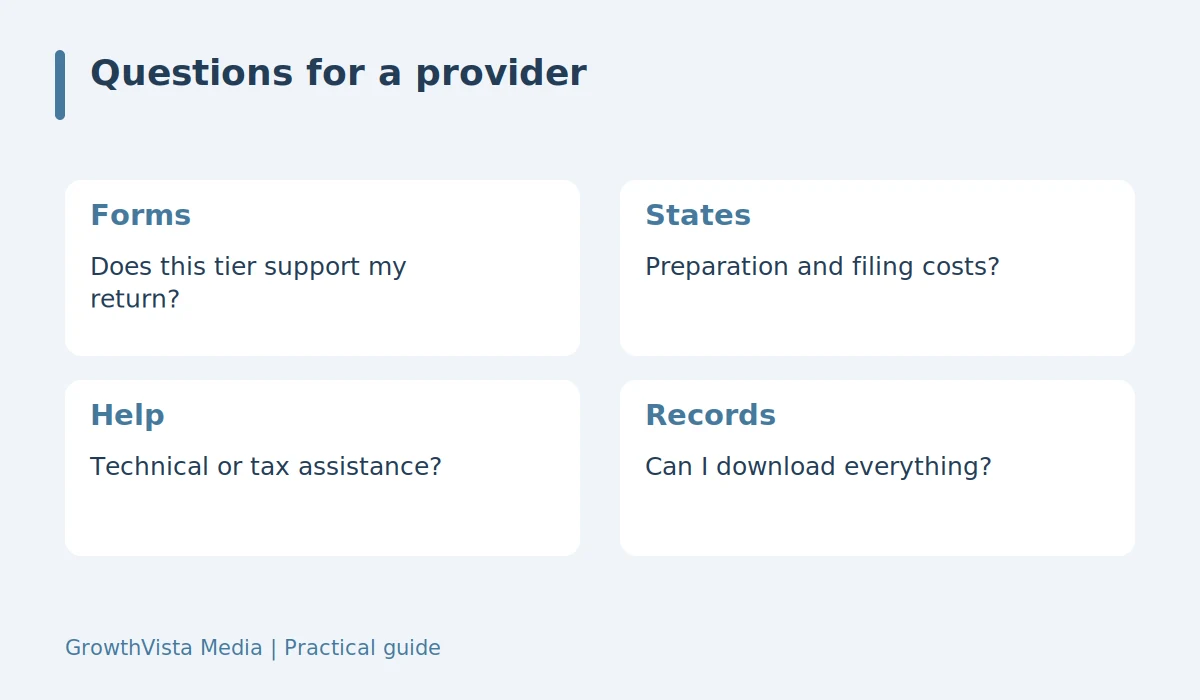
| Item | Detail |
|---|---|
| Forms | Does this tier support my return? |
| States | Preparation and filing costs? |
| Help | Technical or tax assistance? |
| Records | Can I download everything? |
Questions readers ask
Is paid software always necessary?
No. Eligibility and return requirements determine whether an official free option fits. Check current program and provider conditions for the tax year.
Does importing a form guarantee accuracy?
No. Review imported names, amounts, tax year, and transaction details. Incorrect or incomplete source data can still produce an incorrect return.
Should I pay for professional help?
It depends on the complexity and uncertainty of the return. Compare the actual scope and qualifications rather than choose solely from an upgrade label.
Your next steps
- List required forms, schedules, and states.
- Check current official free-filing options.
- Compare the complete federal and state price.
- Read the scope of assistance.
- Export the final return and filing acknowledgment.
Related guides: Free vs Paid Tax Software: 6 Costs and Limits to Compare · Filing Your Taxes: Essential Documents to Gather · Financial Goals: A Practical Annual Review Checklist
Further reading
Editorial update: October 12, 2026. U.S.-focused general education, not individual investment, tax, or legal advice. Examples are hypothetical, not current product offers.