Health App: 8 Privacy Questions Before Sharing Data
Health app privacy deserves attention before you enter sleep, mood, medication, activity, or location information. A wellness app may not have the same legal relationship as your clinician. Read the privacy notice and permissions, identify the company, and ask what happens to your data. A reassuring icon or the word secure does not explain collection, sharing, or retention.
List the information requested
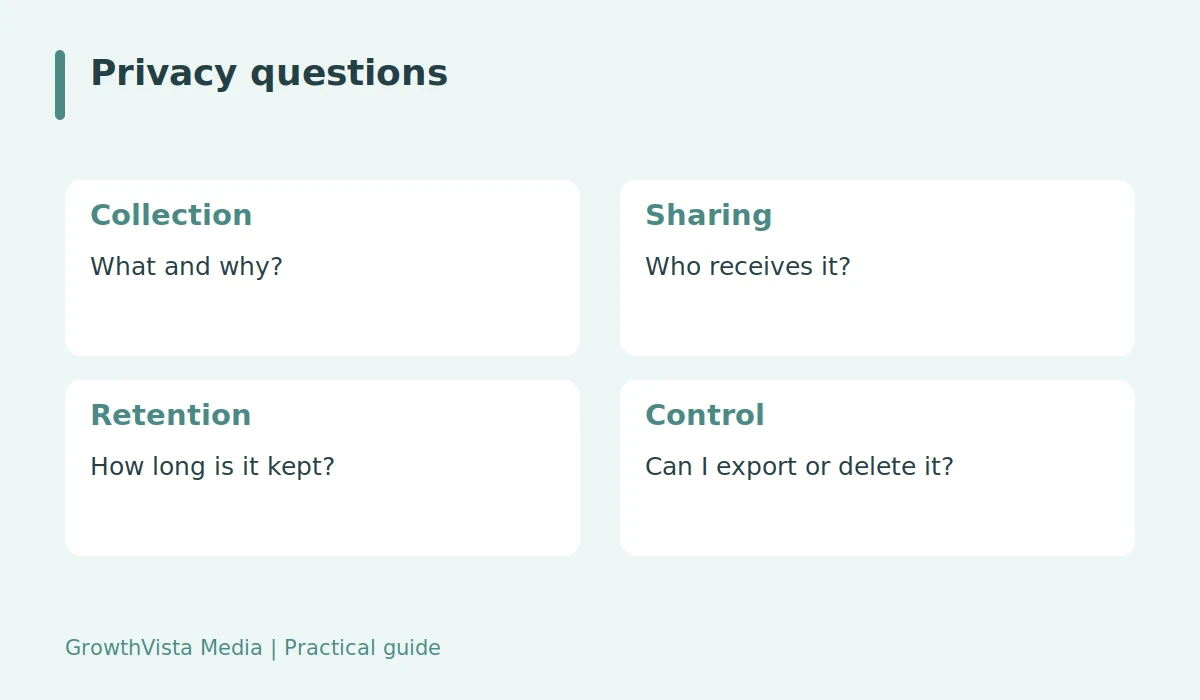
Separate what is necessary for the feature from optional profile details. A habit reminder may not need precise location or a full medical history. Check permissions at installation and later updates. Denying an unnecessary permission can reduce exposure, but also review what is collected through account entries or connected devices. Phone settings do not explain every data flow.

Health app privacy includes third parties
Read whether information goes to service providers, analytics services, advertisers, or other parties. Ask whether data is used beyond the feature you requested. Broad language such as improving services may need clarification. A notice should make the use understandable. Avoid assuming that a free app has no commercial reason to collect personal information.
Do not assume HIPAA applies to every app
HIPAA applies to specified covered entities and business associates in relevant circumstances. Many consumer apps operate outside that relationship, although other rules may apply. A connection to health information alone does not establish identical protection to a clinician’s records. If the service claims coverage, ask what that means for the actual company and data flow.
Check retention, export, and deletion
Find how long information is retained and whether it can be downloaded or deleted. Removing an app from a phone does not necessarily delete an online account. Subscription cancellation can be another separate action. Ask what happens to backups or records retained for legal reasons. Use the service’s official process and keep confirmation when you request deletion.
Protect access and minimize sharing
Use a strong unique password and additional account protection where available. Review linked services and public-profile settings. Enter only information needed for a useful feature, and avoid posting sensitive screenshots publicly. If the notice is unclear or controls are inadequate, consider a simpler local record. Convenience should be evaluated alongside the sensitivity of the information.
A permission-first decision
A fictional sleep-log app asks for location, contacts, and an account profile. The reader checks which permissions are required for the sleep diary and reads the sharing notice before entering personal details. If the purpose remains unclear, the reader uses a local note instead. This example illustrates privacy review; it does not establish that every requested permission is unlawful or unnecessary.
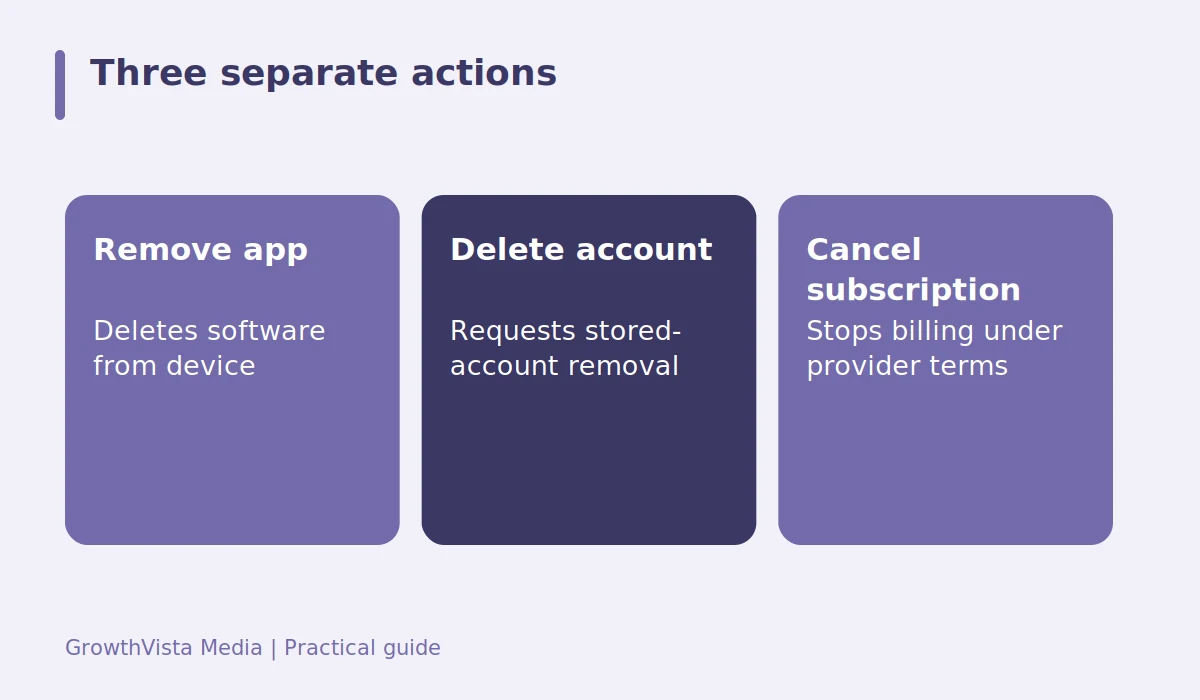
| Item | Detail |
|---|---|
| Remove app | Deletes software from device |
| Delete account | Requests stored-account removal |
| Cancel subscription | Stops billing under provider terms |
Questions readers ask
Does deleting the app delete my account?
Not necessarily. App removal, account deletion, and subscription cancellation can be separate. Use the official process for each relevant action.
Does health information automatically mean HIPAA protection?
No. The company’s legal role and relationship matter. Other privacy rules may apply, but protections are not identical for every consumer app.
Can permissions tell me everything?
No. They show some device access, while account entries, connected services, and server-side sharing also need review.
Your next steps
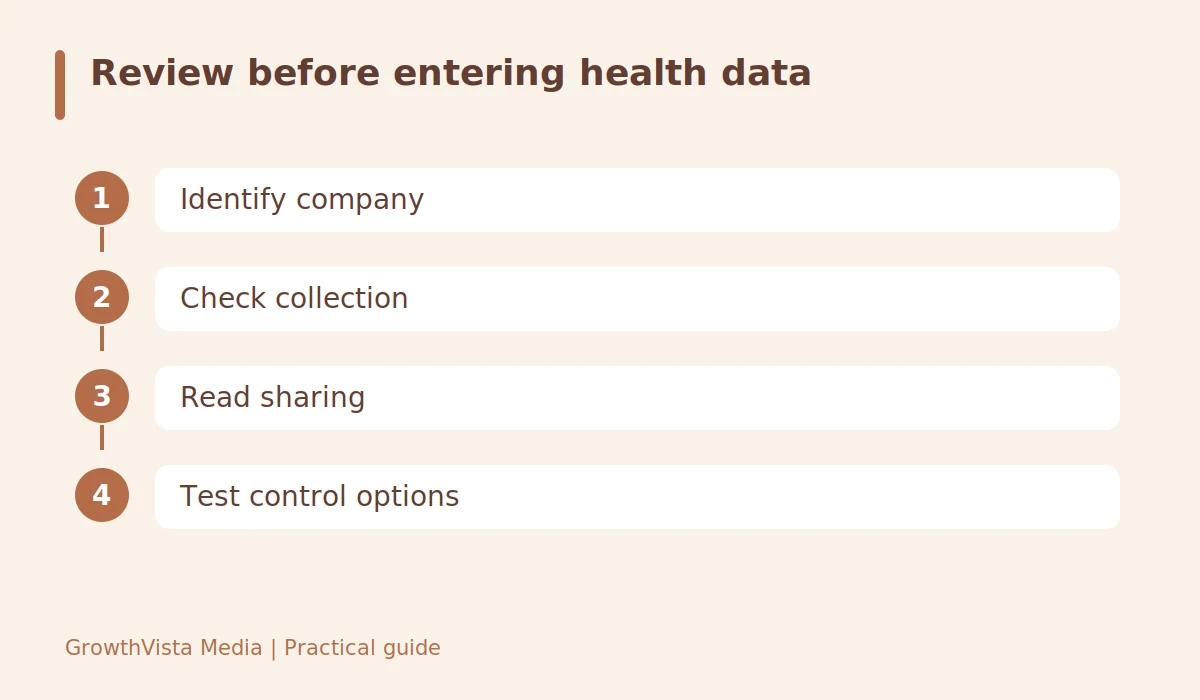
- Identify the company and privacy notice.
- Separate necessary and optional data.
- Review permissions and connected services.
- Read third-party sharing and retention terms.
- Check export, deletion, and account-security controls.
Related guides: Habit Tracking App: Choose Features That Support One Routine · Meditation App: 6 Checks Before Starting a Subscription · Fitness Apps vs Wearables: Which Data Helps Your Routine?
Further reading
Editorial update: October 12, 2026. General educational information, not diagnosis or individualized treatment. Examples are illustrative; consult an appropriately qualified professional for personal health questions.